36 Office Backgrounds for Zoom Calls (Free HD Downloads)
36 hand-picked office backdrops, sized to Zoom's 1920×1080 spec.

Zoom hasn’t touched its built-in backgrounds in years, which is why the same beige bookshelf turns up on three of your calls before lunch. Once a background is that recognizable, it stops doing its job. So I went looking for rooms nobody has seen yet. Everything below was shot in 2026, sorted by the kind of space you want behind you, and chosen so you’re not on a default half the meeting already has.
They’re also sized to work. Zoom wants a 1920×1080 image at 16:9, under 5MB, so that’s exactly what every download here is. No 4K files bouncing off the upload limit, no off-ratio shots that letterbox or lop off the top of your head. Pick one, download it, and drop it into Settings → Background & Effects.
Modern Office Zoom Backgrounds
Current, bright, and neutral. If you only take one background off this page, take one of these. They date the slowest and pull focus the least.
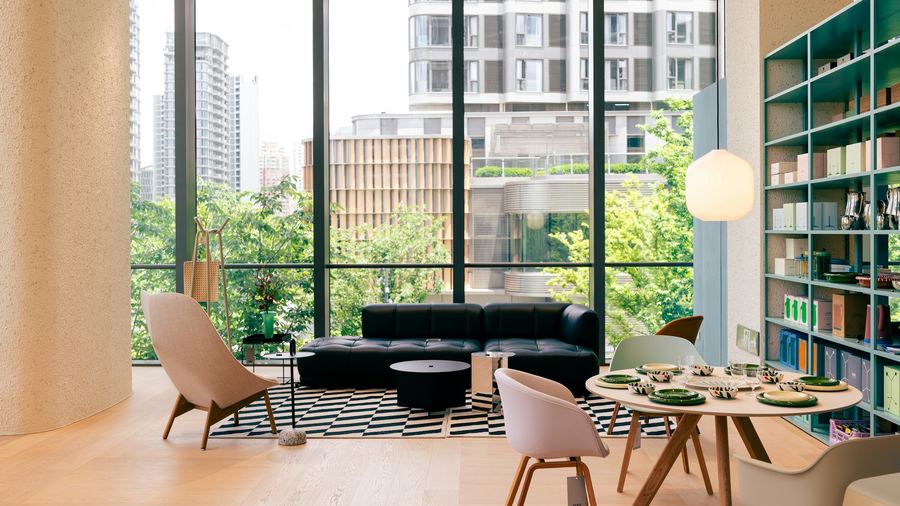
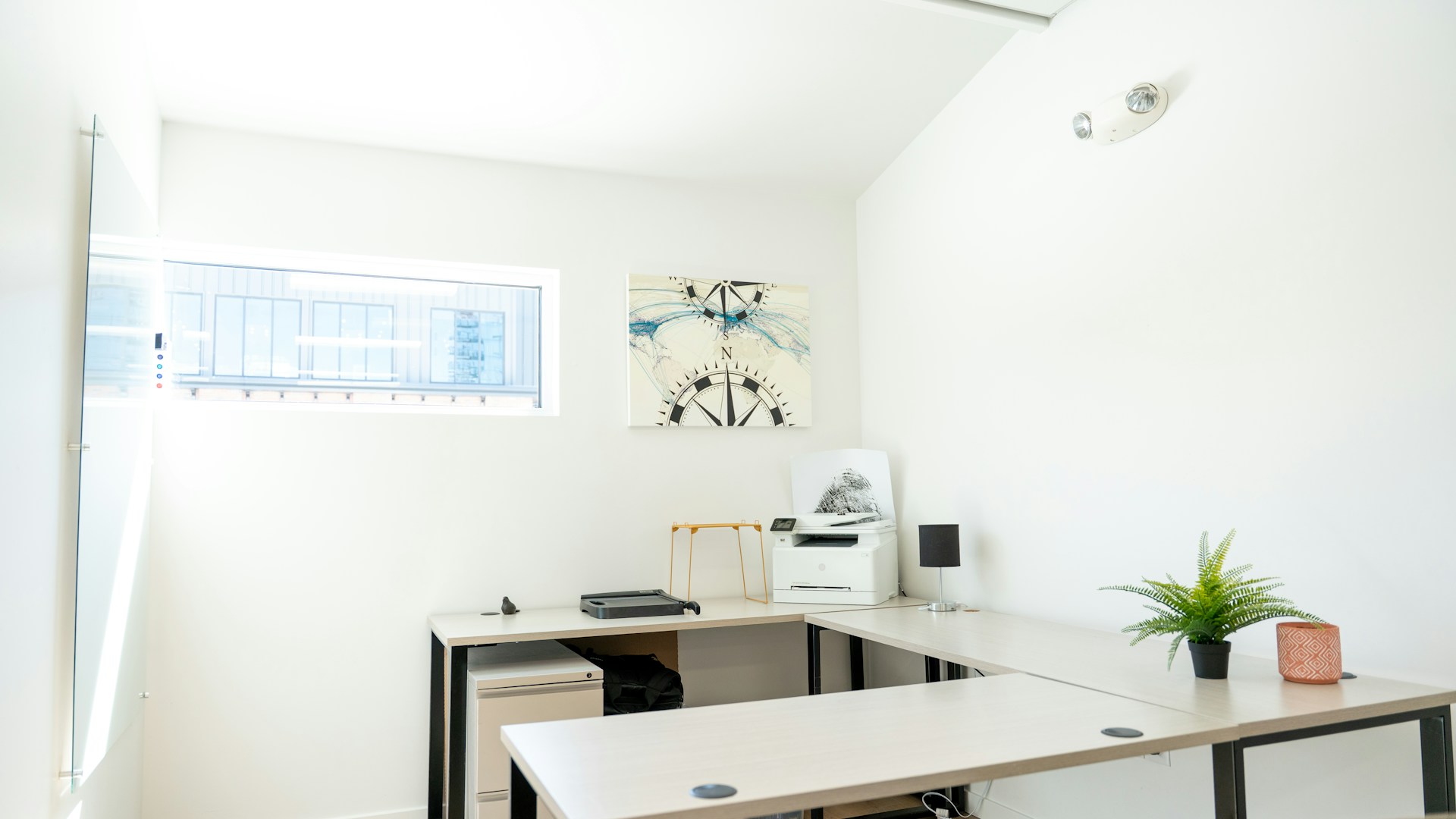
Bright Open-Plan Office
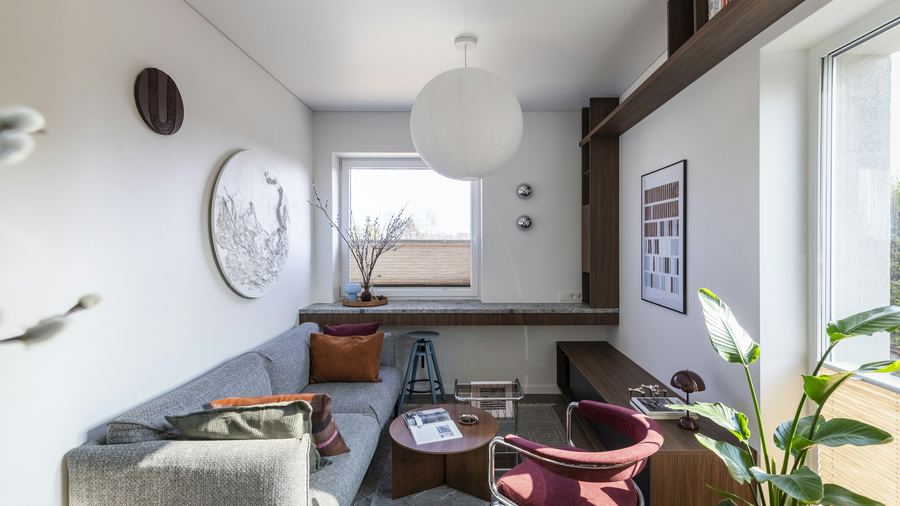
Office Lounge With Plants
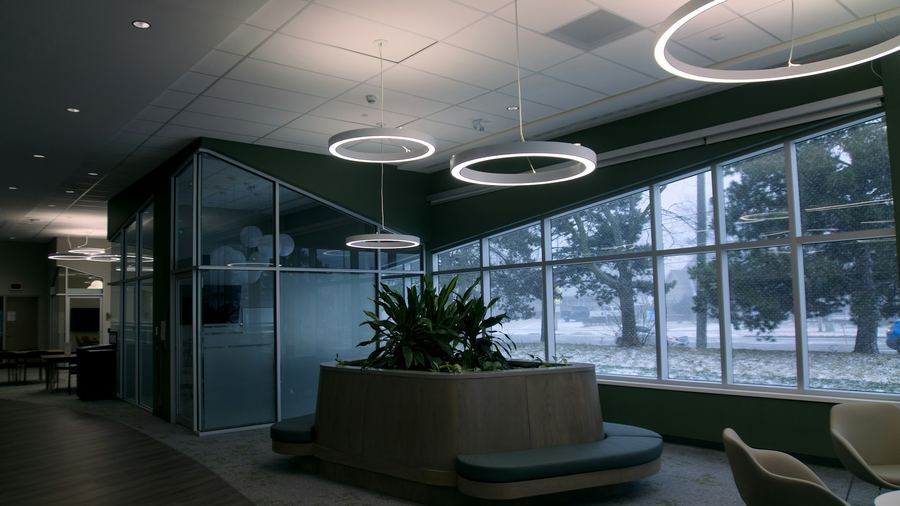
Glass Office With Greenery
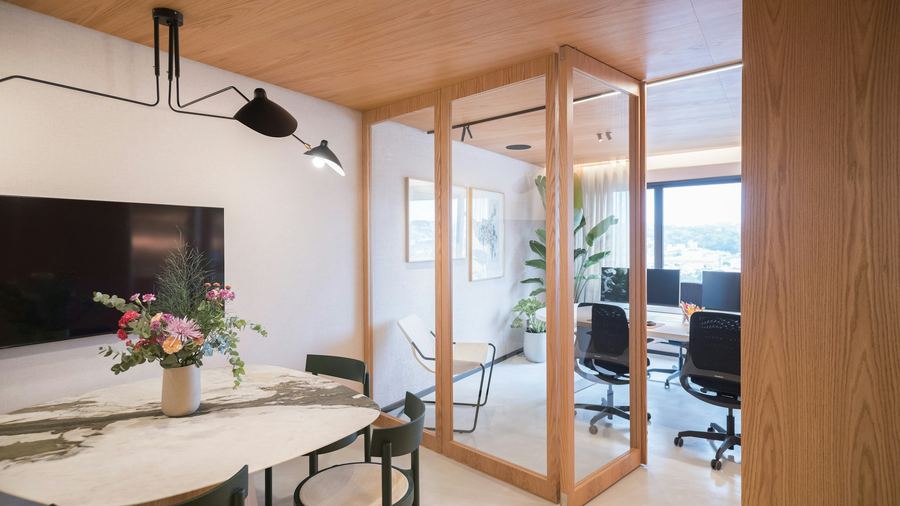
Light Wood Workspace
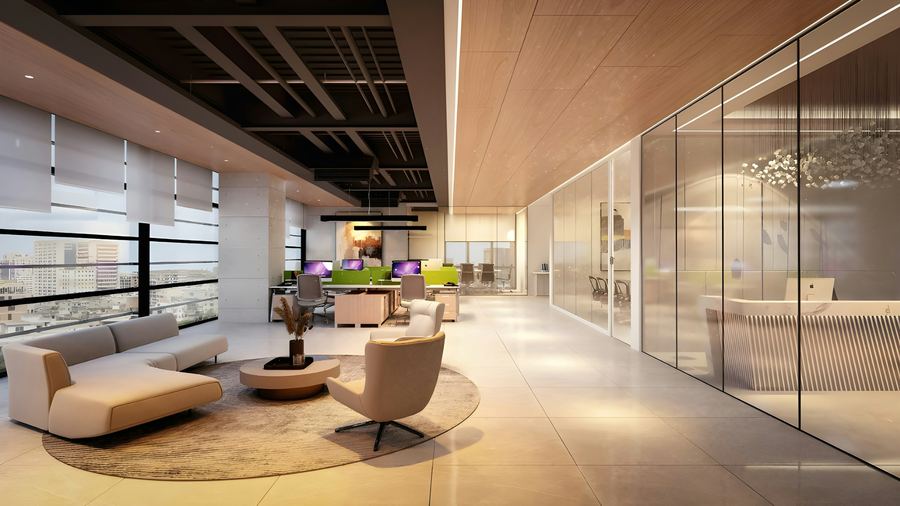
Warm Glass-Partition Office
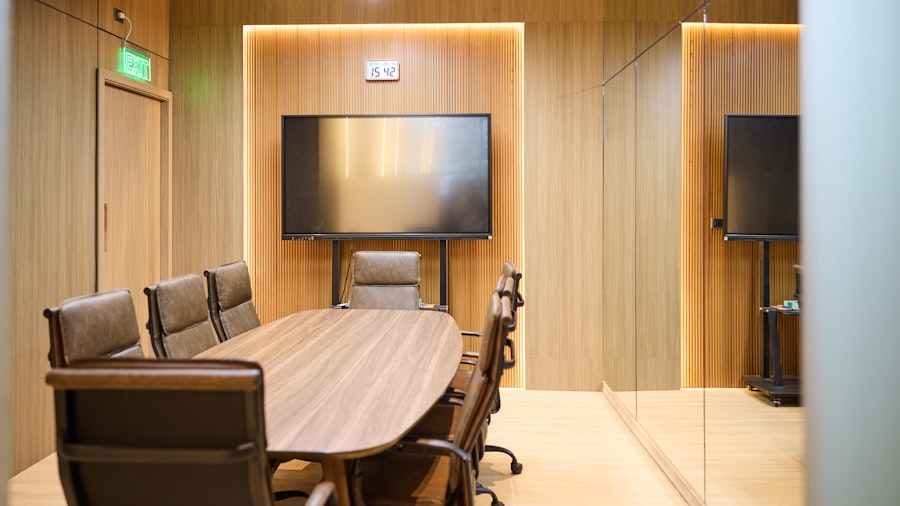
Modern Meeting Room
Executive Office Zoom Backgrounds
Wood, books, and a bit of gravity. Keep one loaded for the calls where the stakes are real.
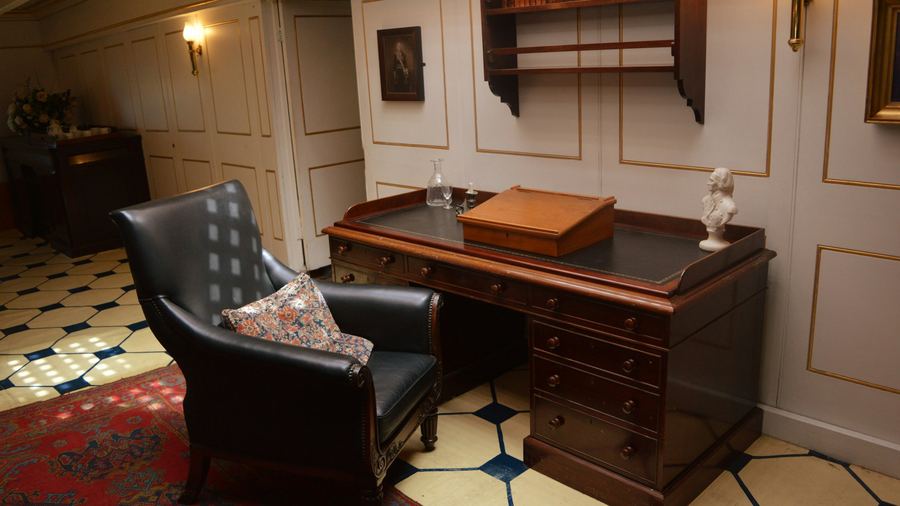
Classic Wood Study
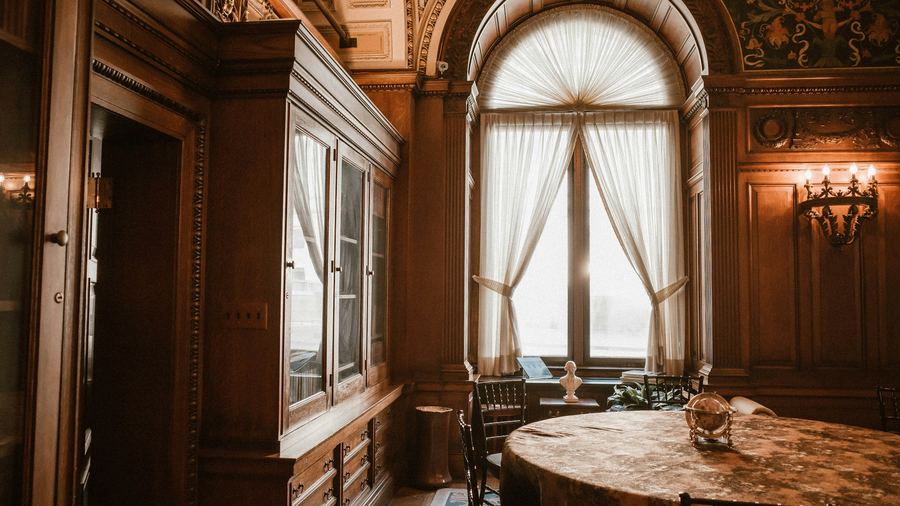
Panelled Executive Suite
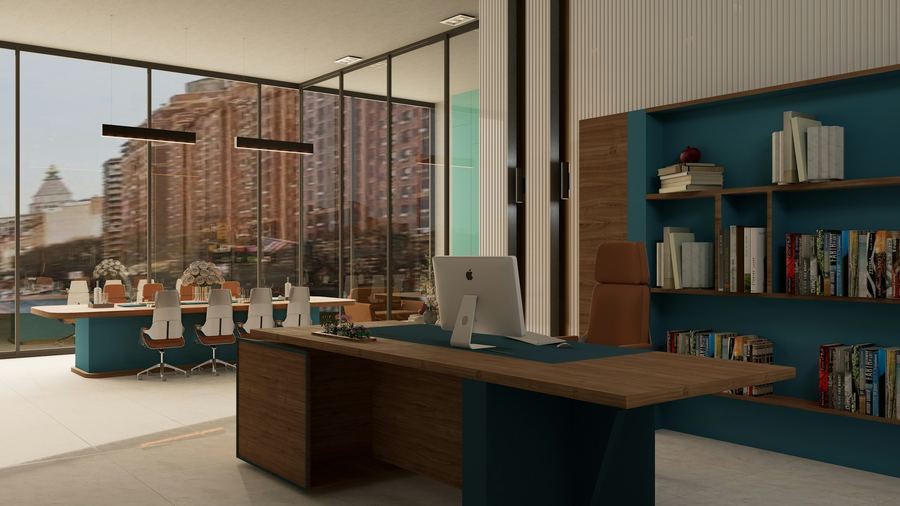
Modern Executive Office
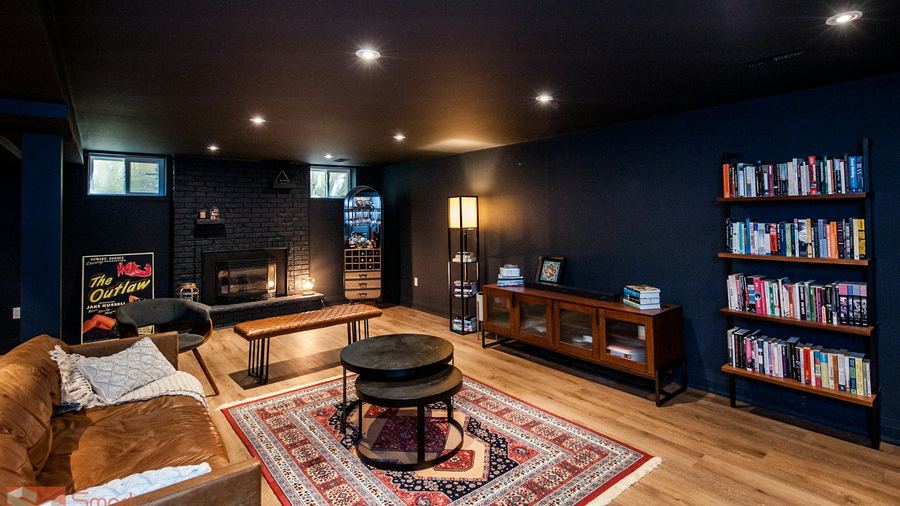
Navy Den With Fireplace
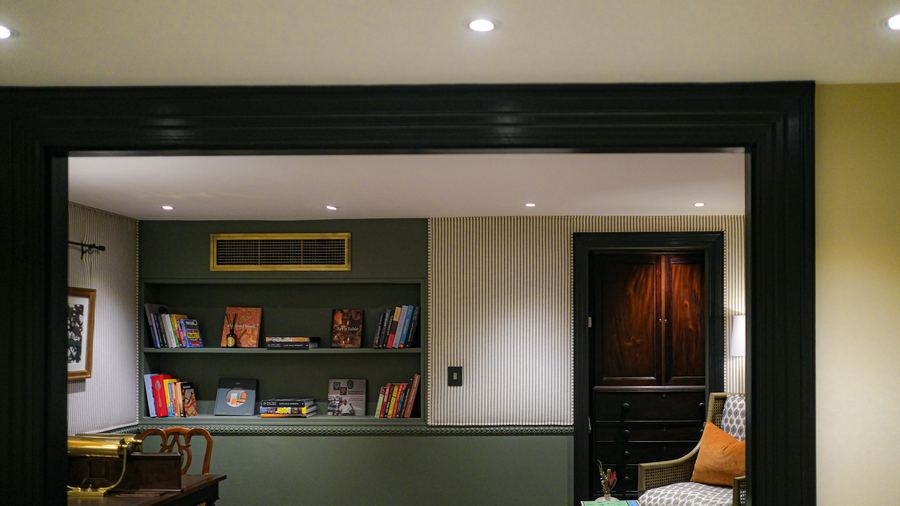
Green Study Den
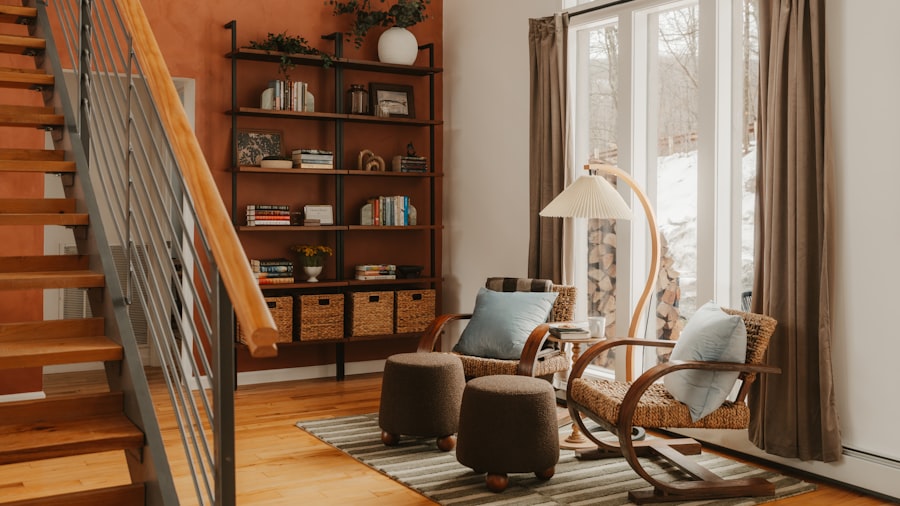
Bright Study With Shelves
Home Office Zoom Backgrounds
A home office background should read like a home, not a catalogue. These are lived-in enough to believe and tidy enough to flatter.
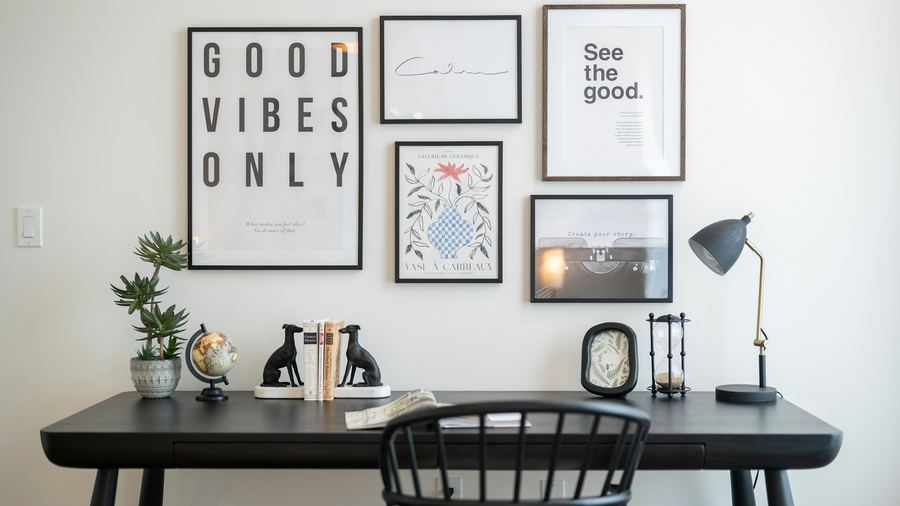
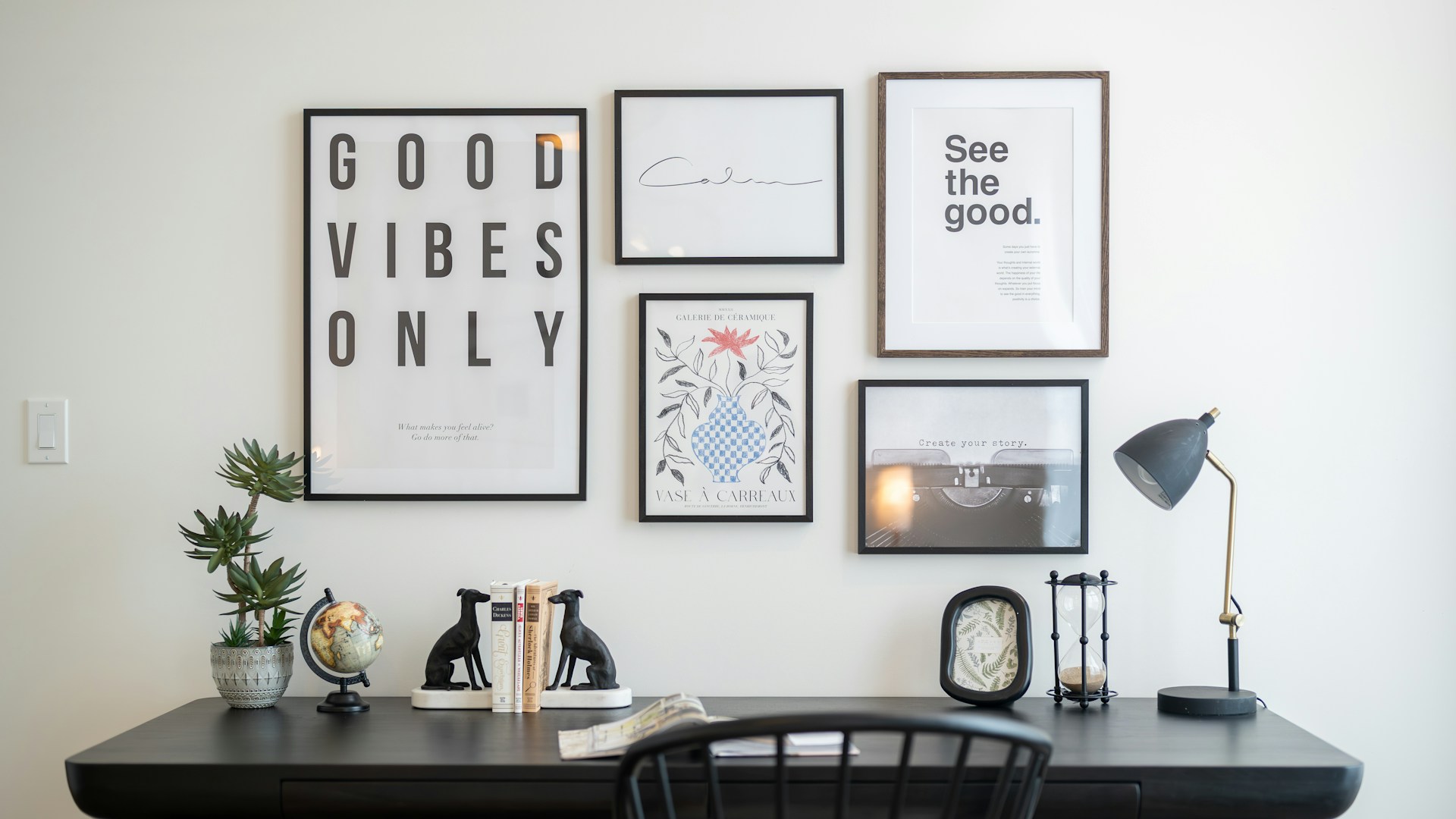
Minimal Desk With Gallery Wall
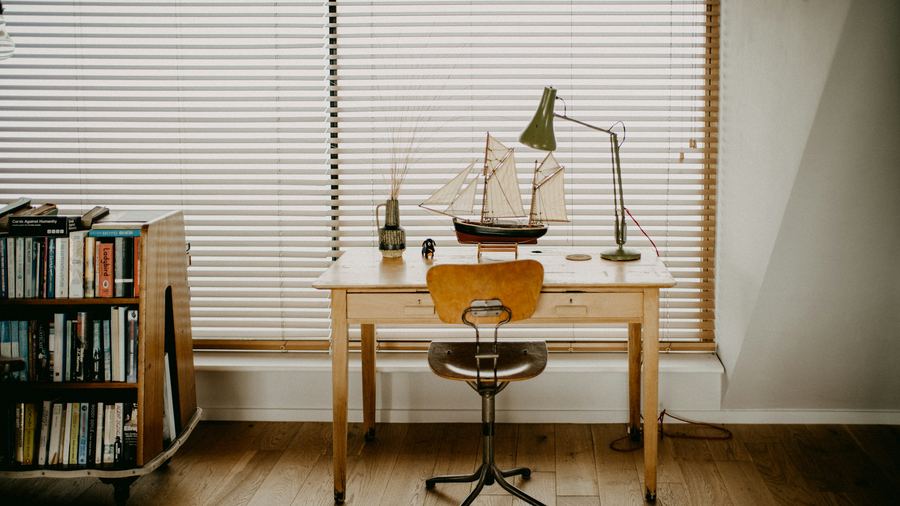
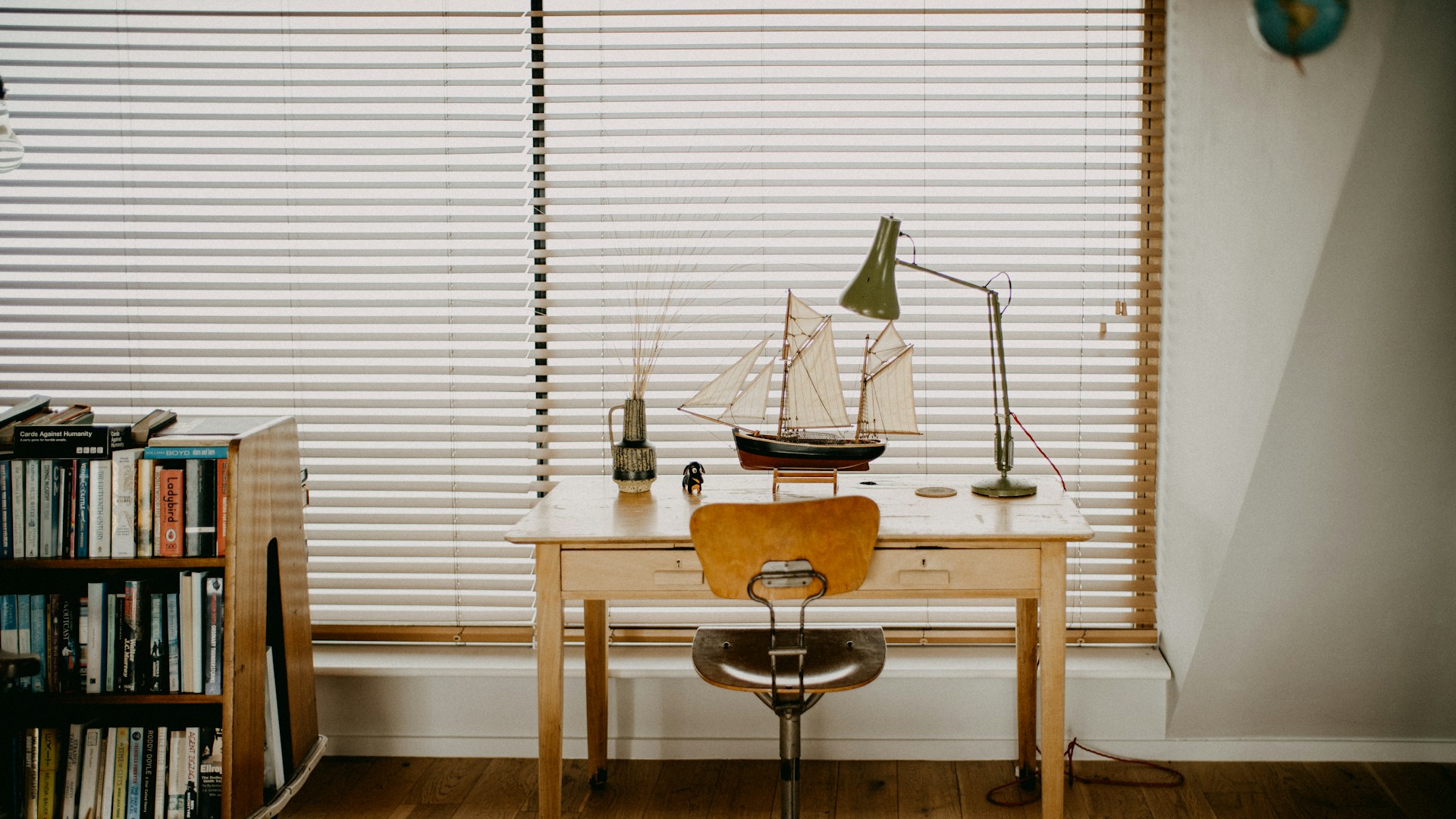
Vintage Writing Desk
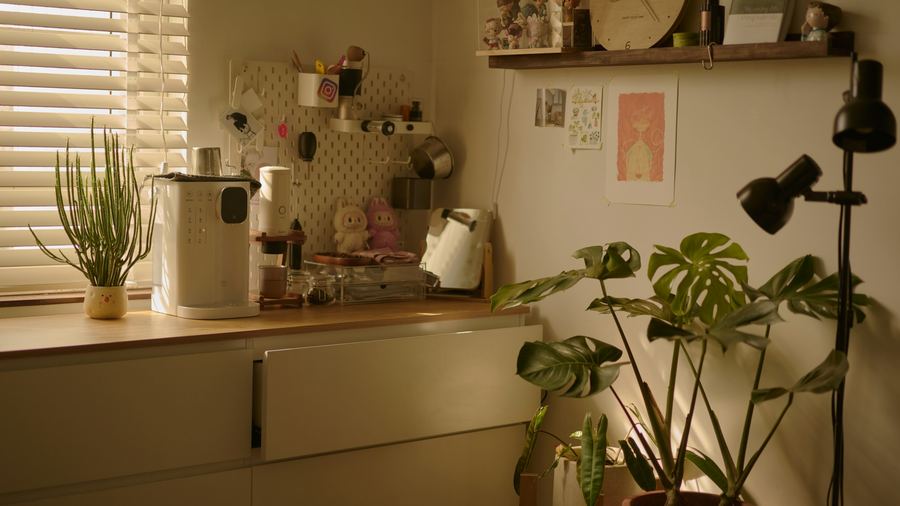
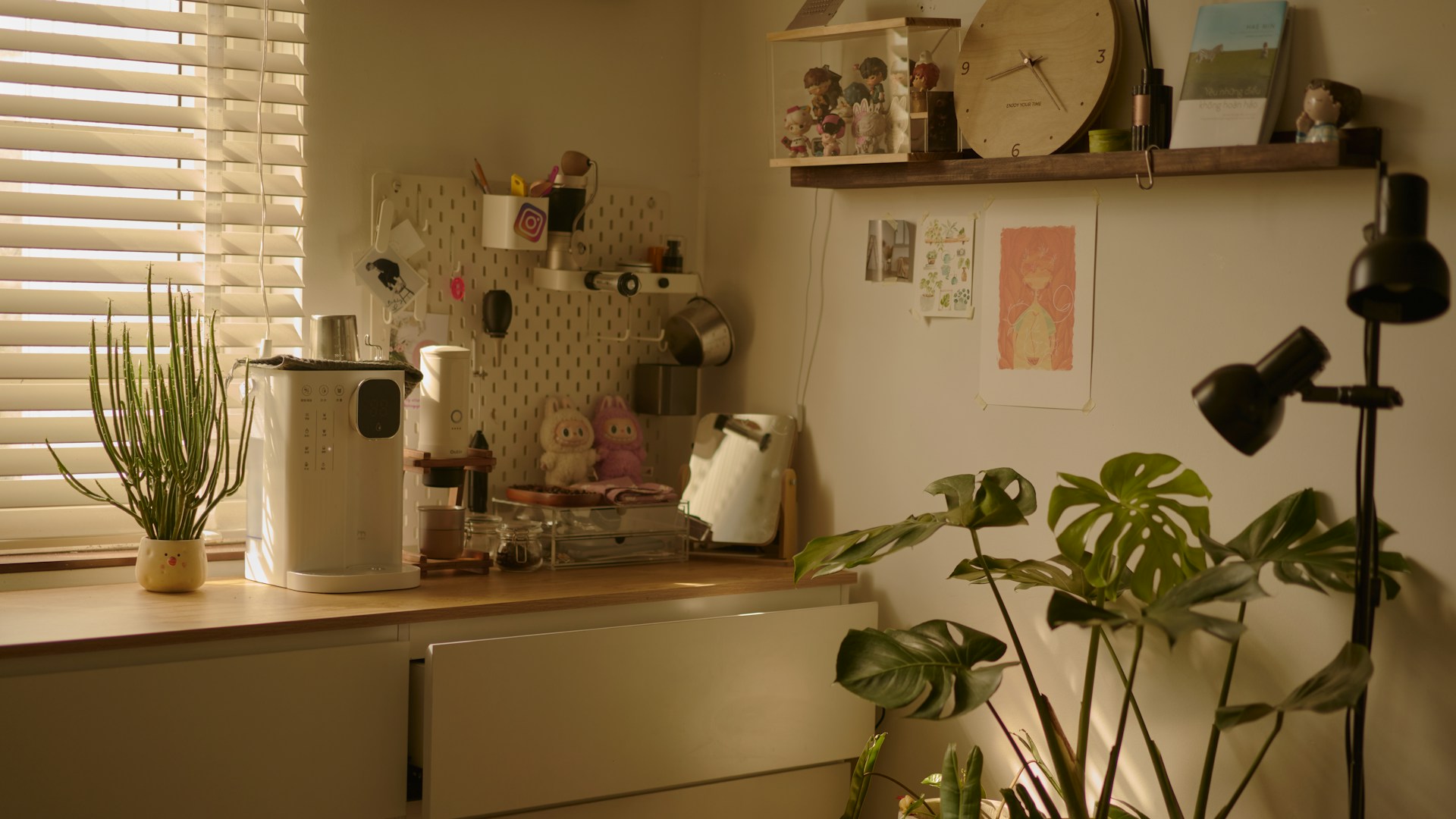
Warm Plant Nook
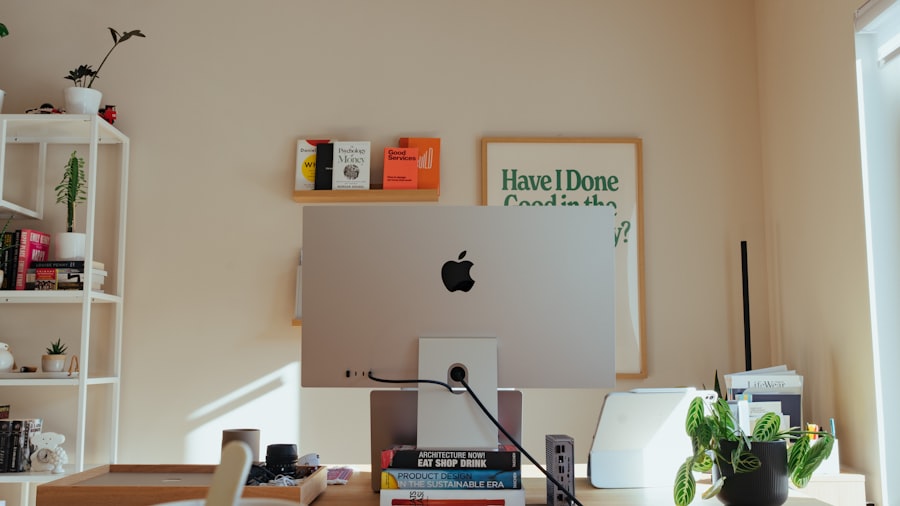
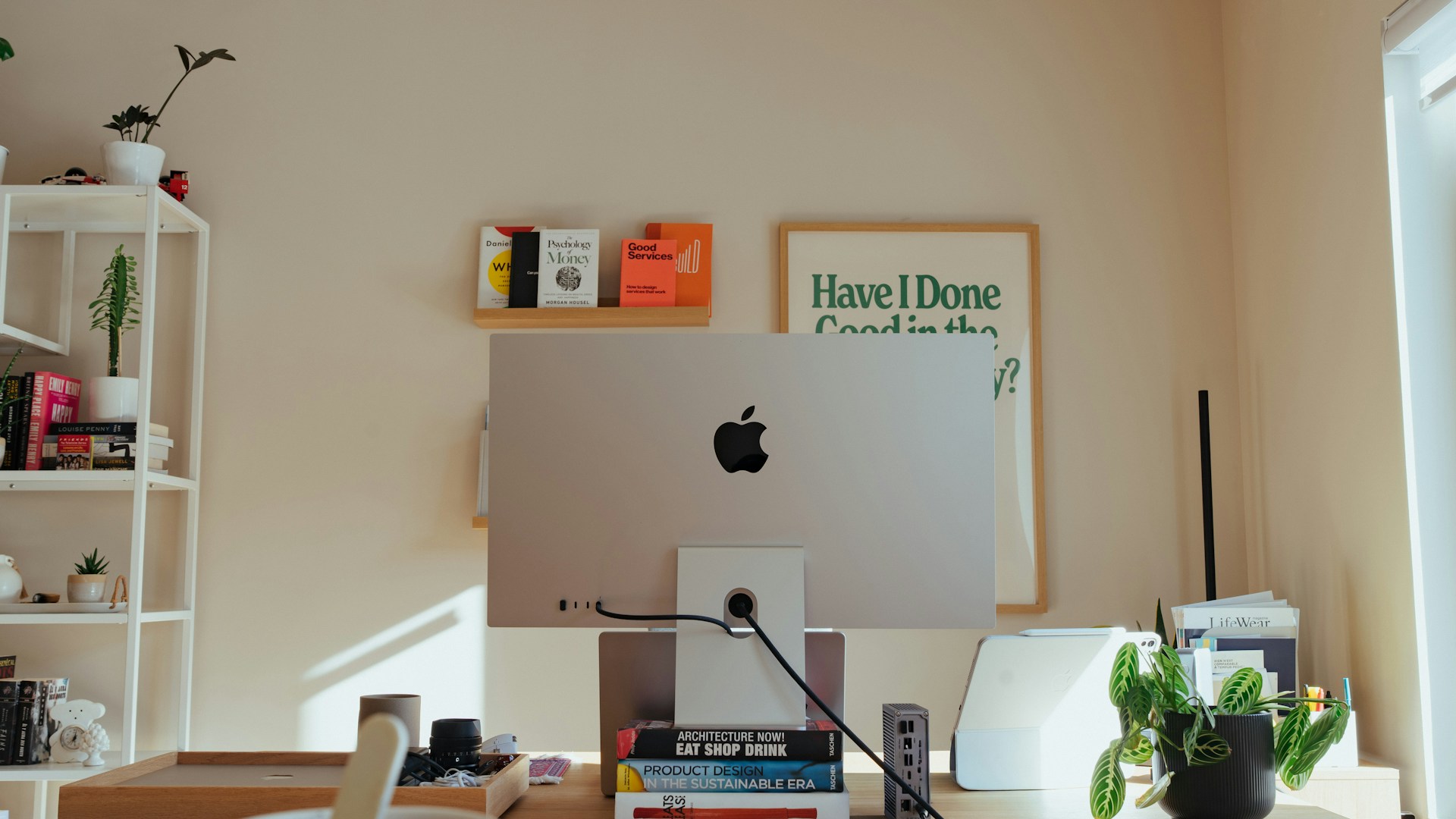
Bright Home Desk
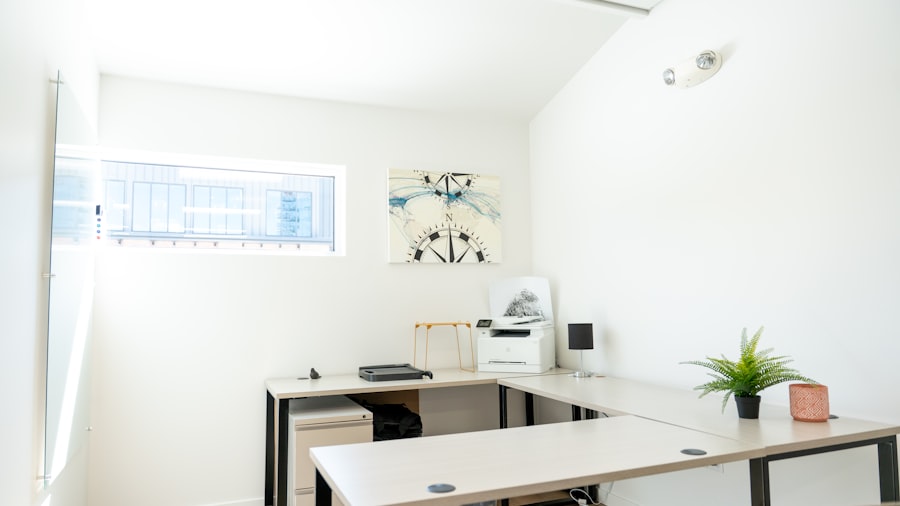
Compact Home Office
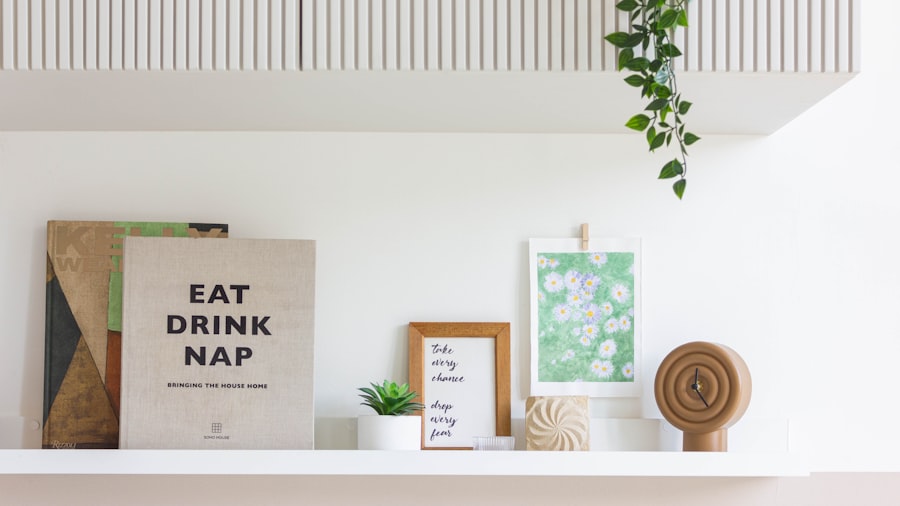
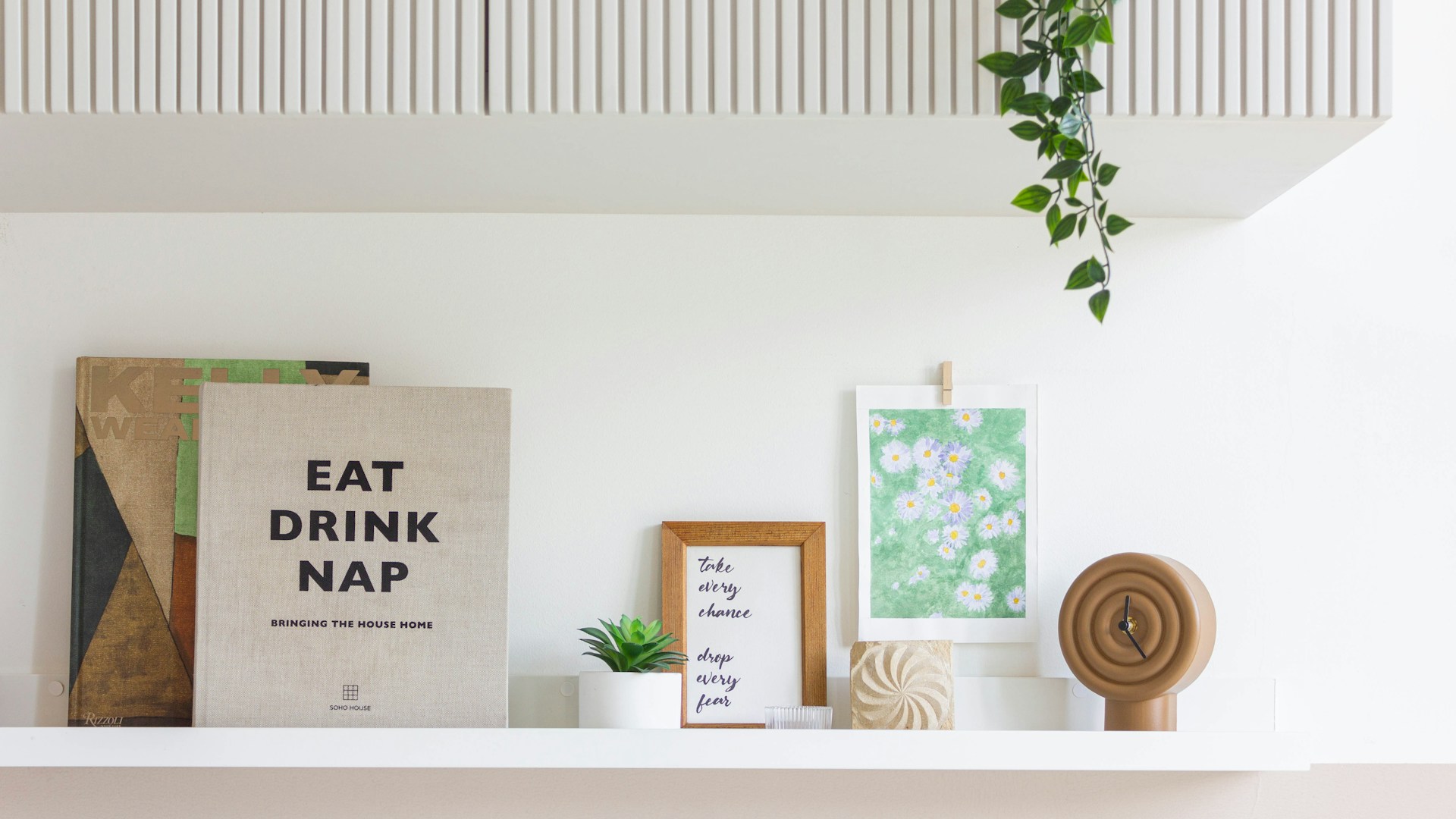
Styled Home Shelf
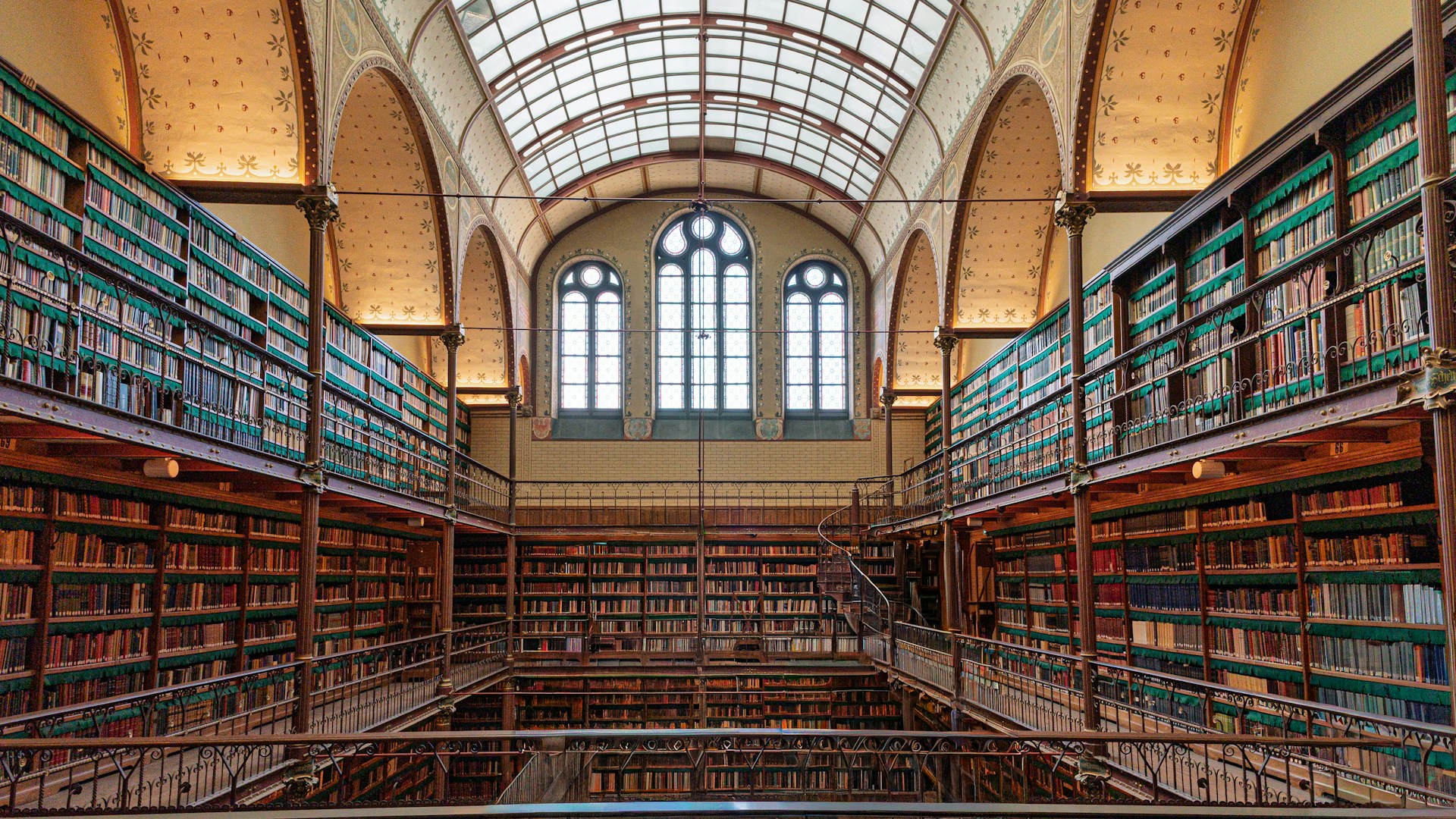
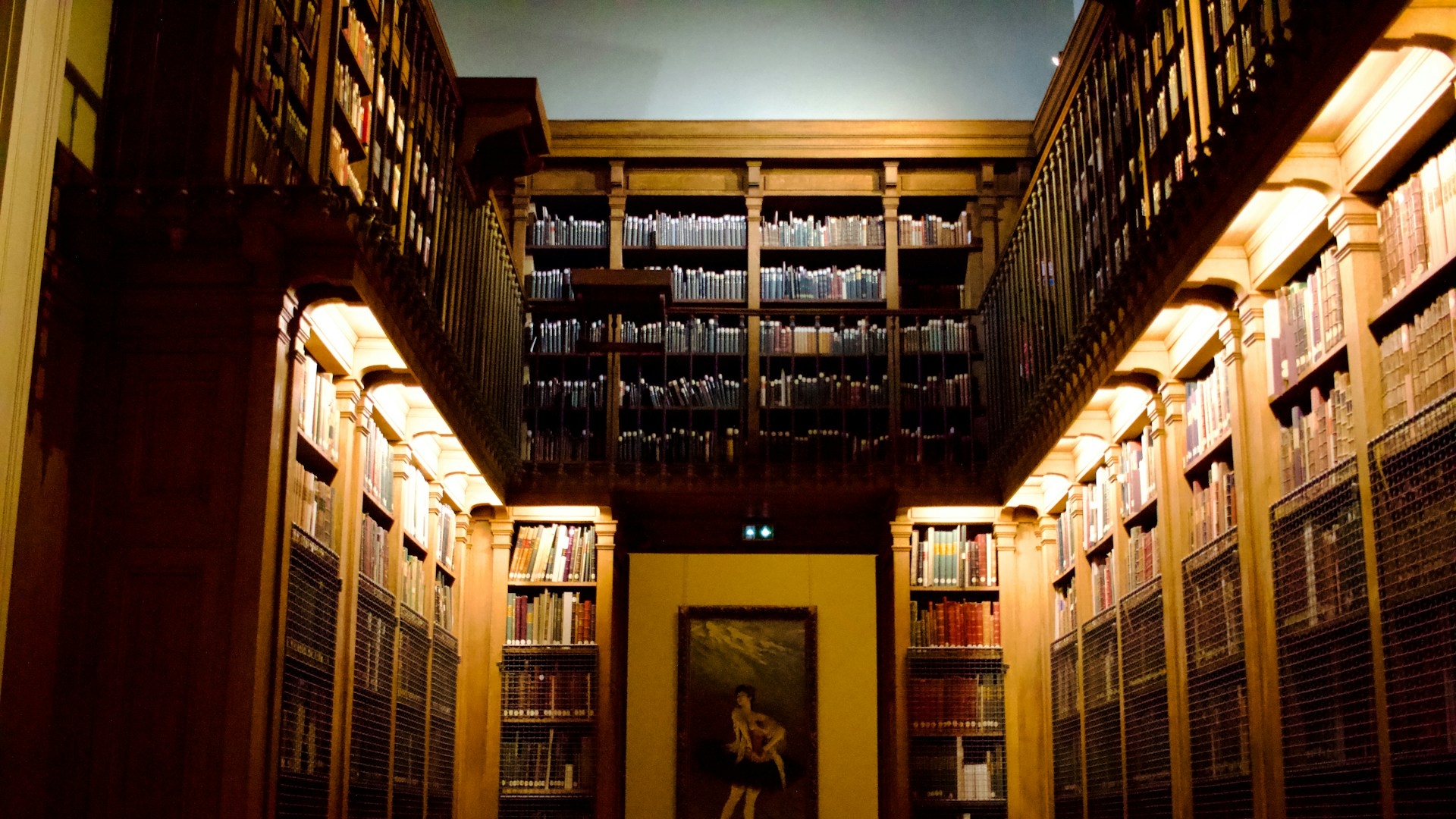
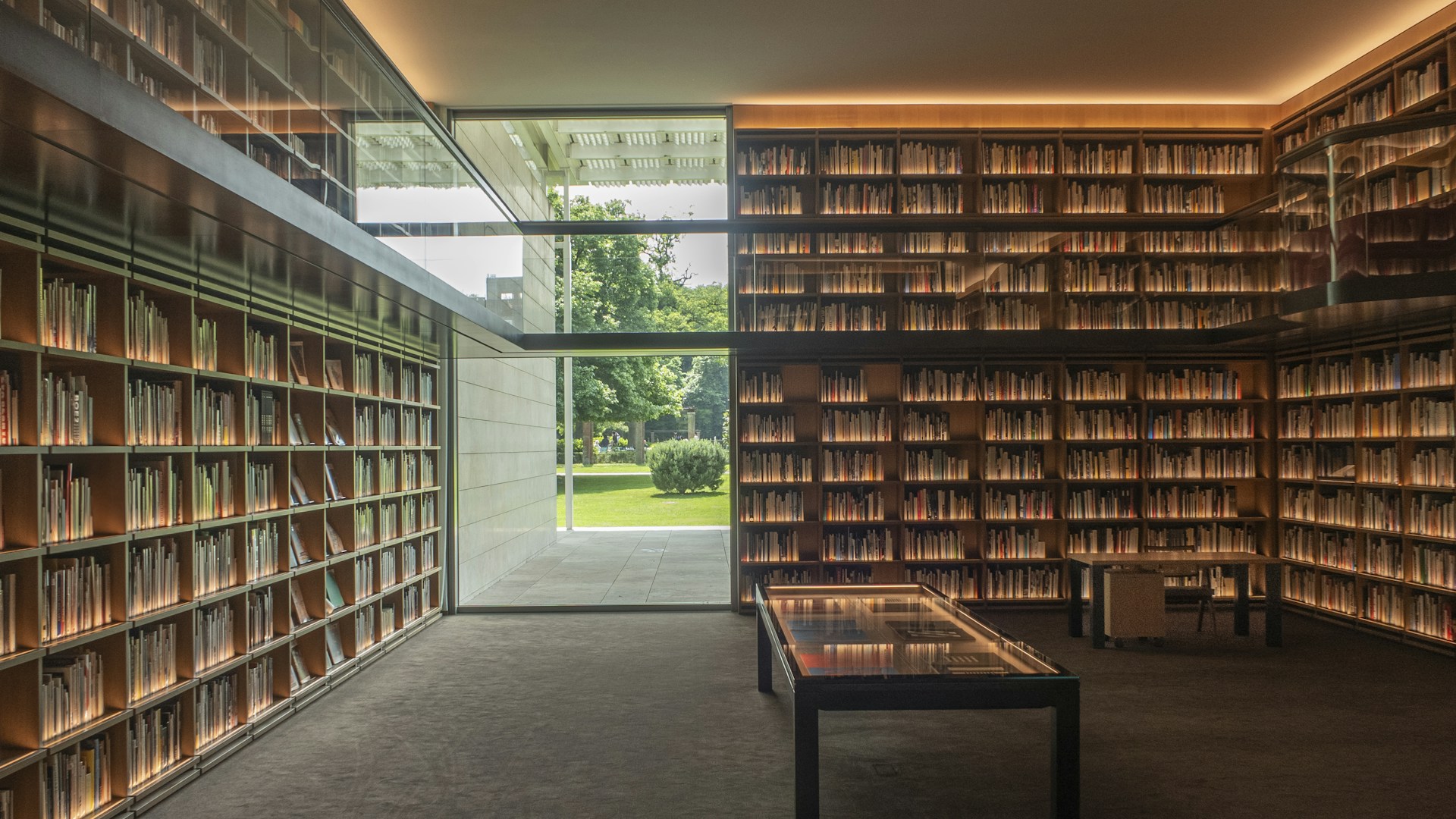
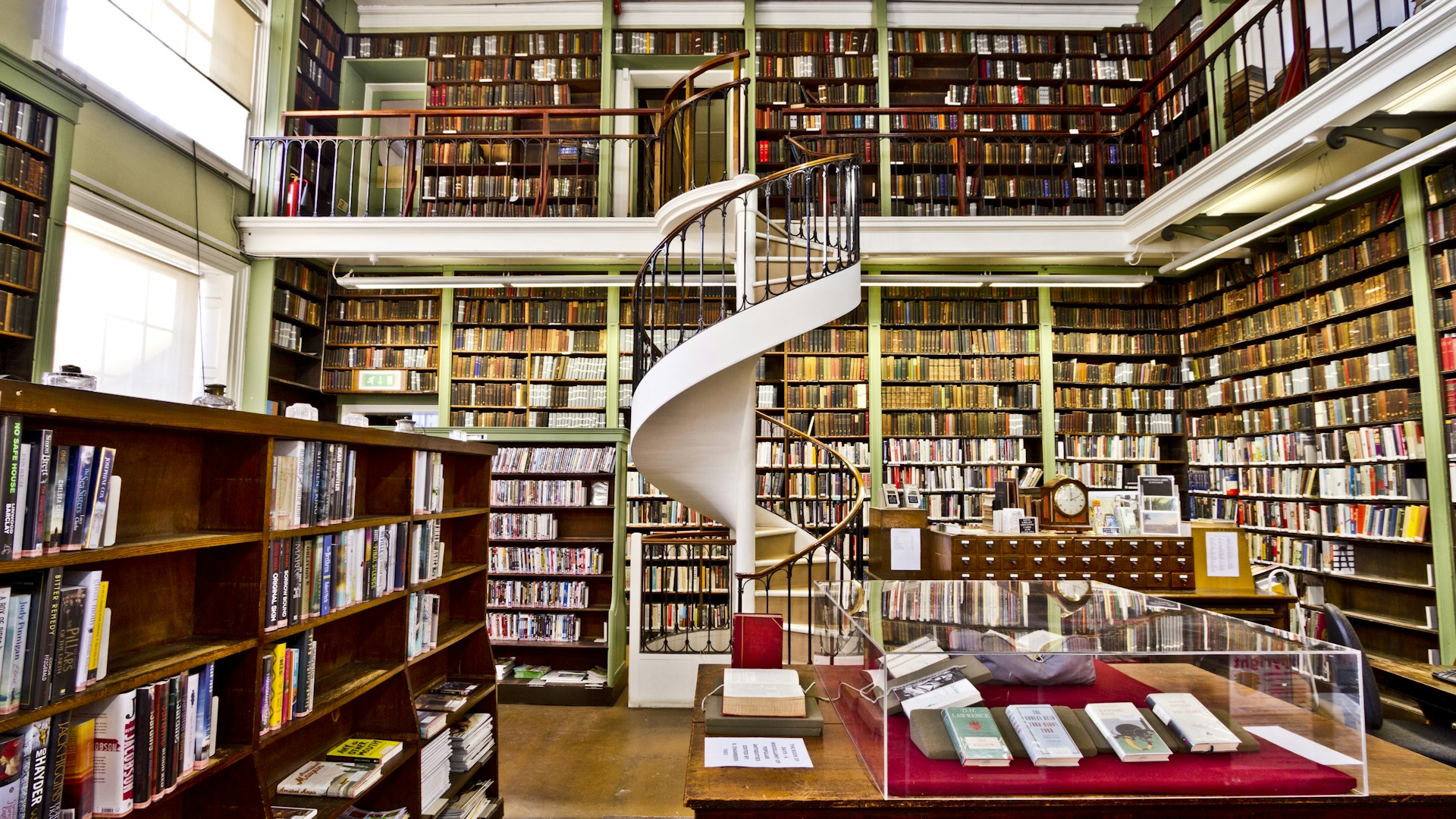
Bookshelf and Library Zoom Backgrounds
The bookshelf is the most reliable video-call background ever invented. A flat wall of books gives the software a clean edge to cut around, so you come out with a sharp outline instead of a fuzzy halo. The first one here is the best background on the page.
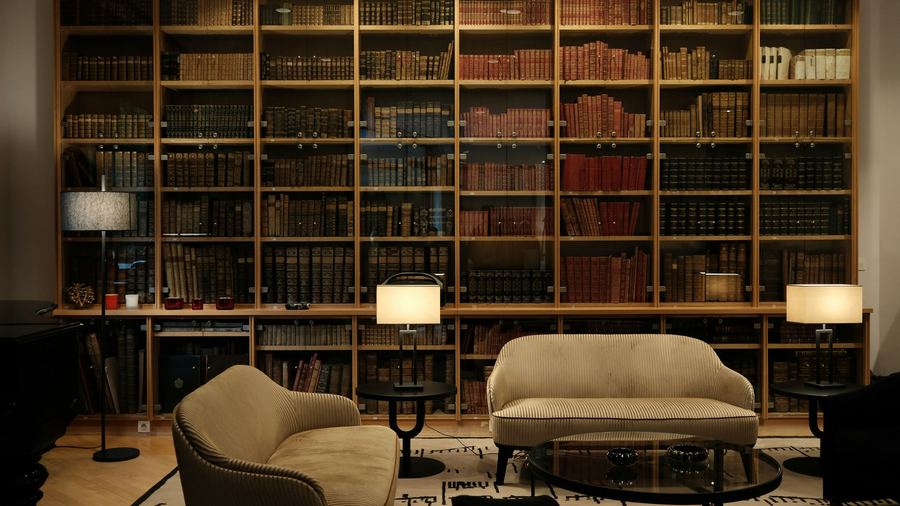
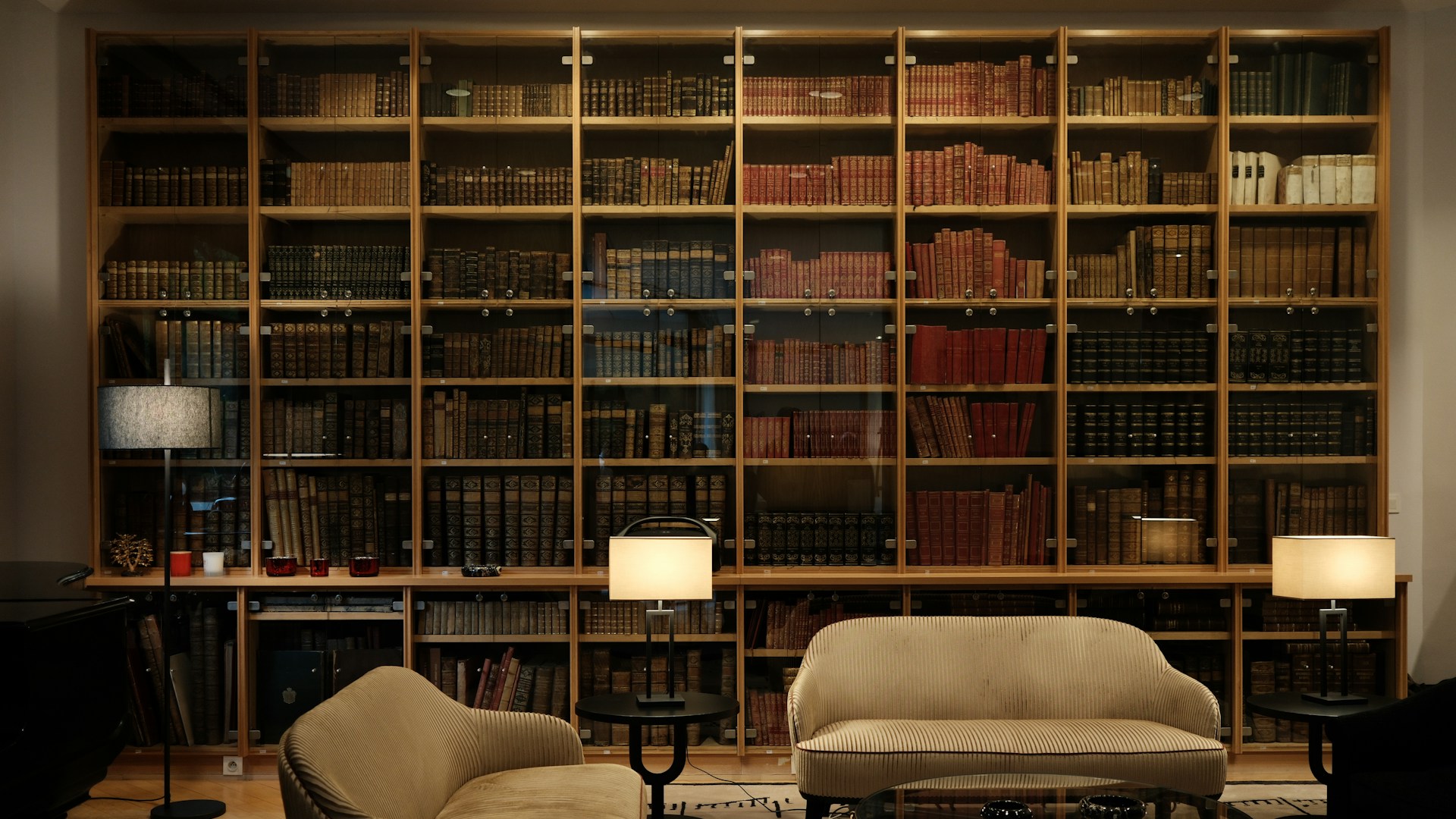
Traditional Reading Room
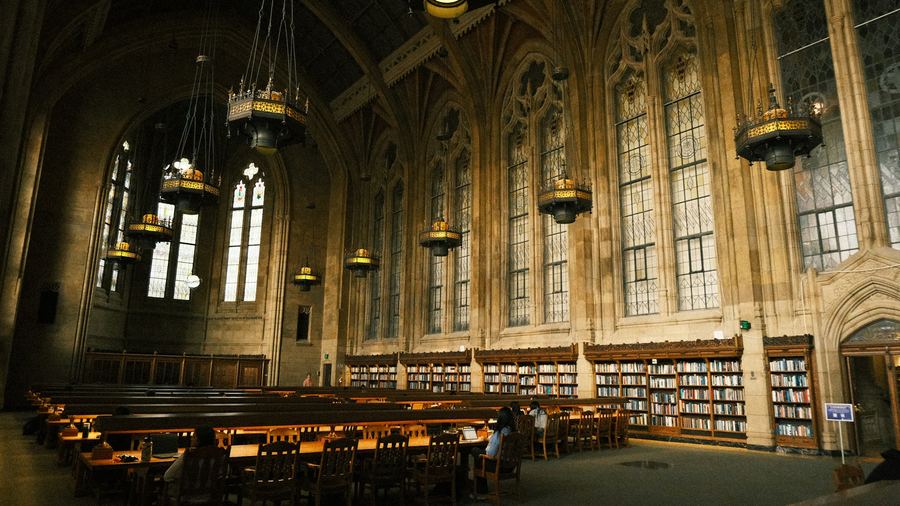
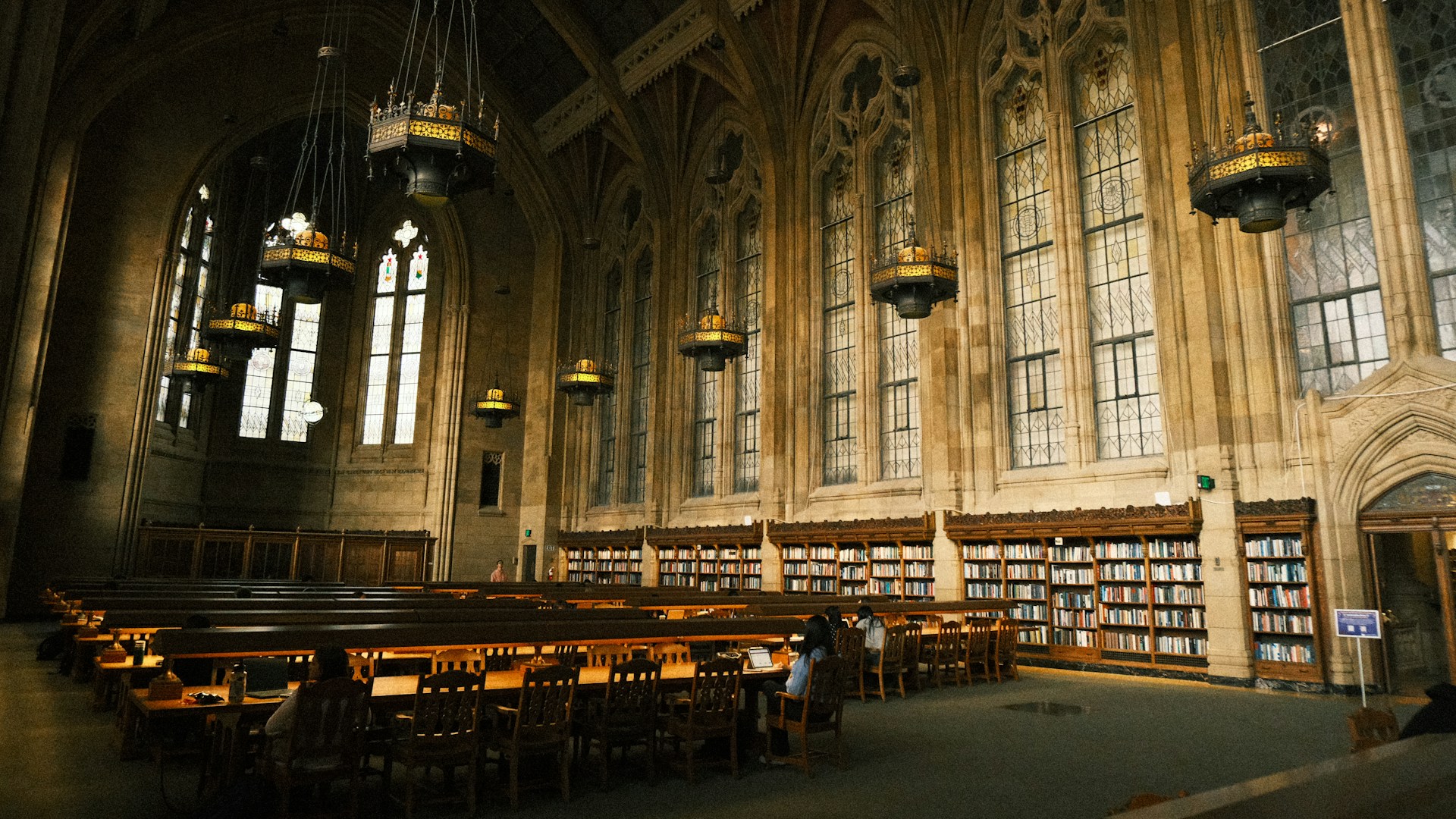
Collegiate Gothic Library
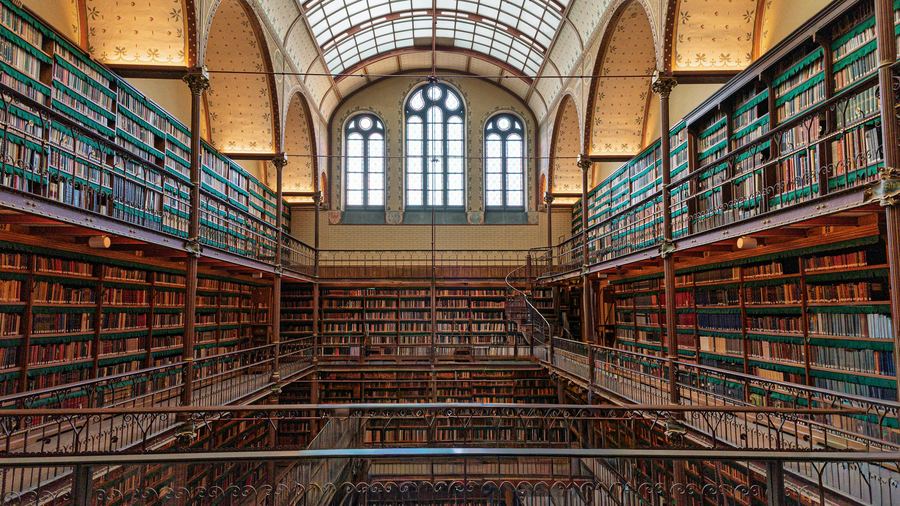
Grand Vaulted Library
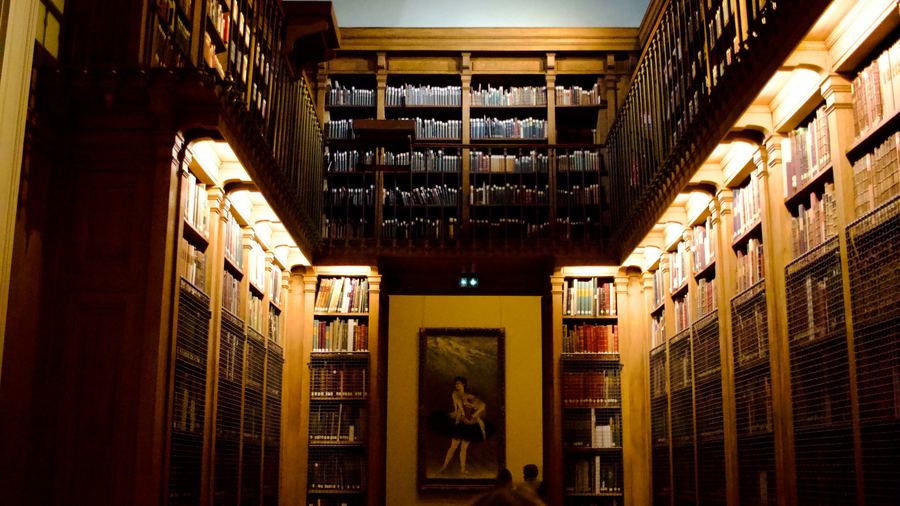
Warm Library Aisle
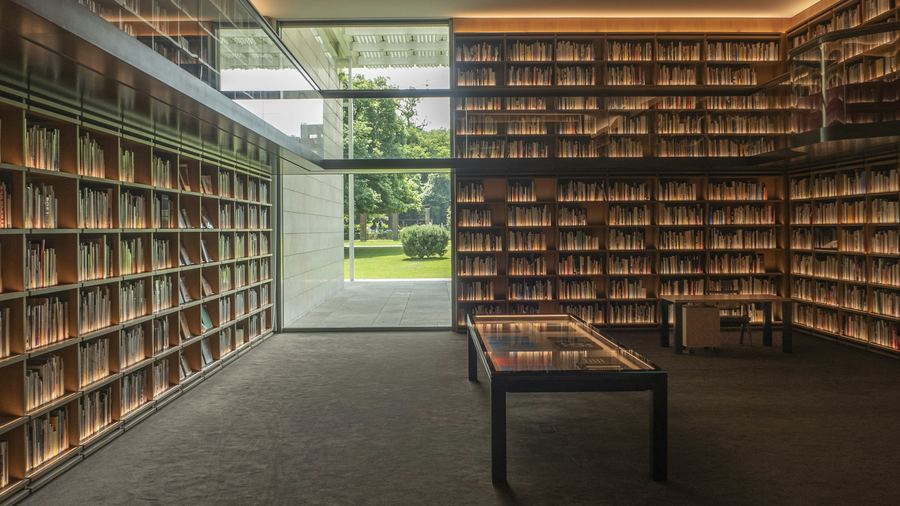
Modern Glass Library
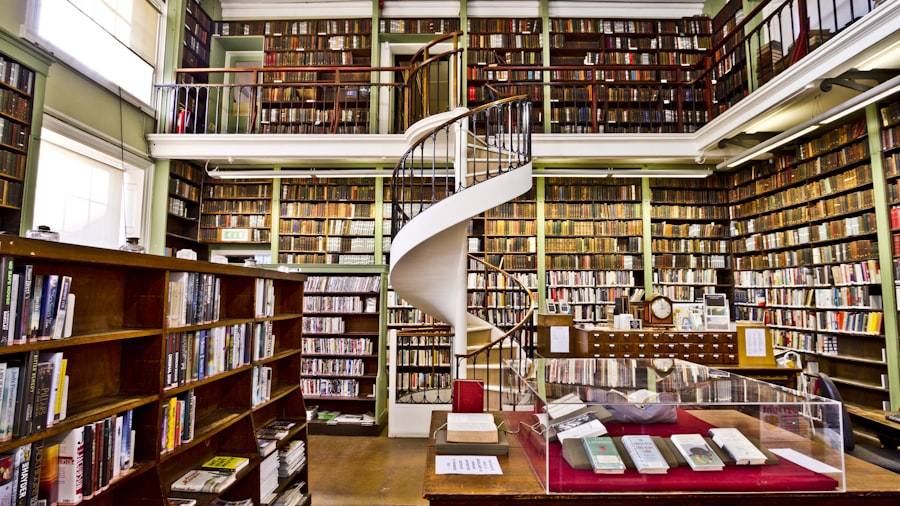
Spiral-Stair Library
Corner Office and City View Zoom Backgrounds
Glass, height, and a skyline. Pick the one whose window light falls on the same side as the light in your real room; that one detail sells it better than any amount of resolution.
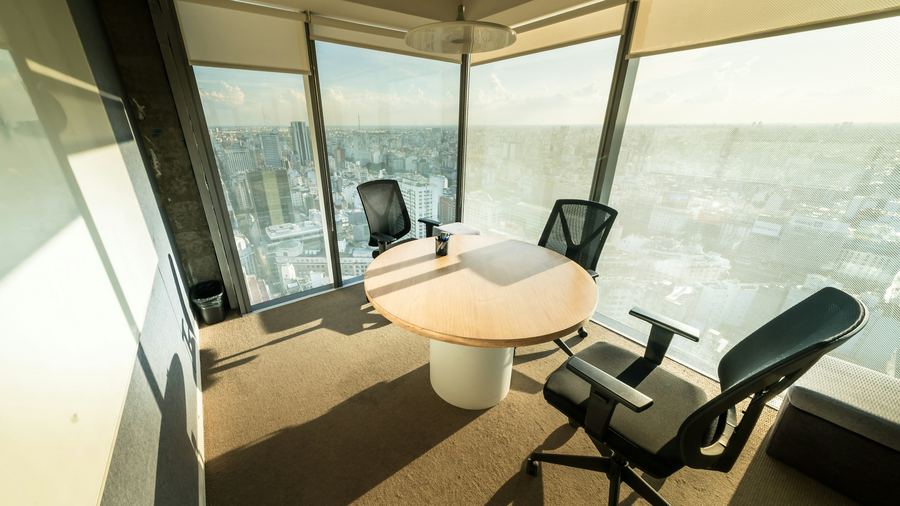
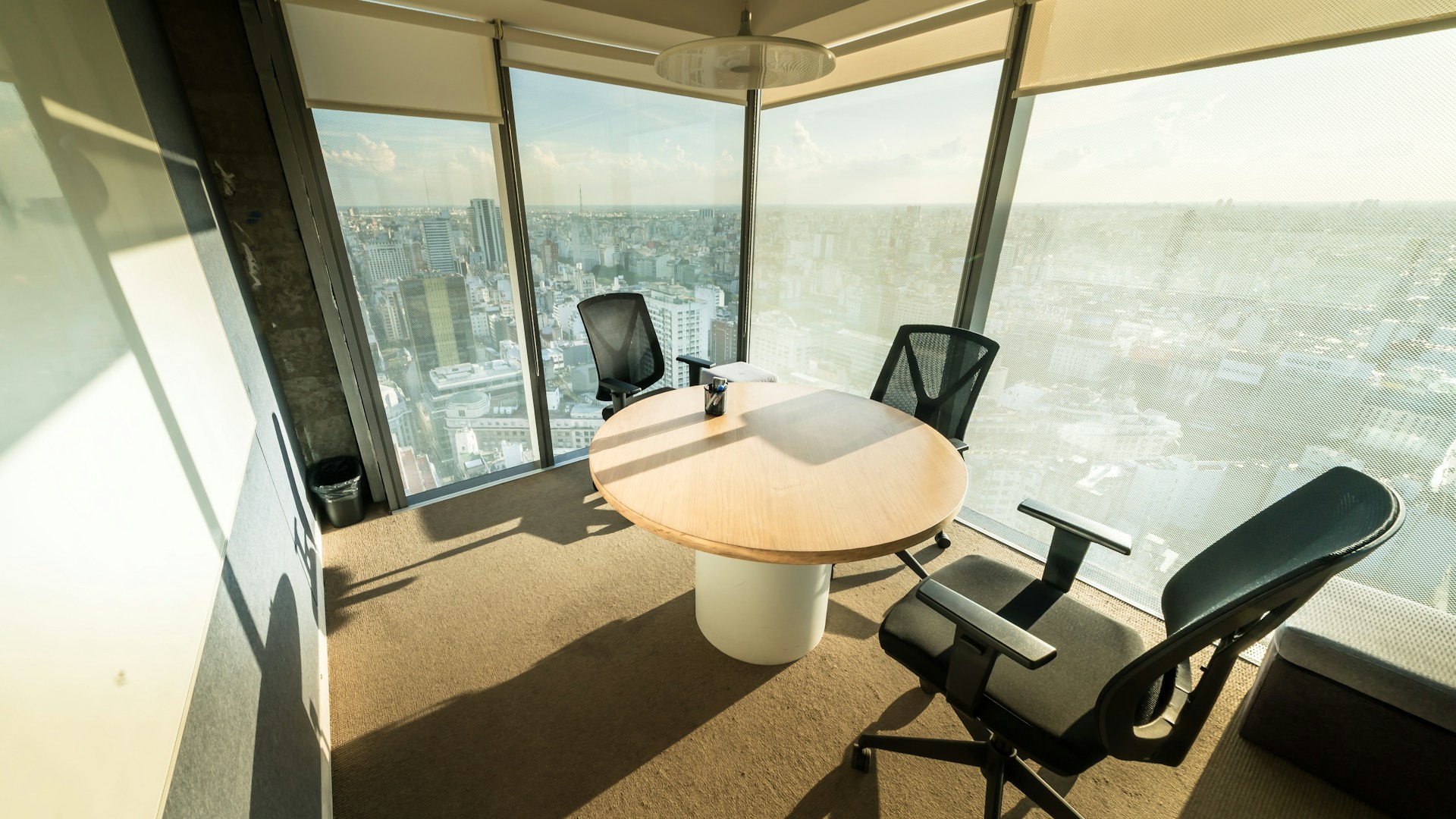
Corner Office, City View
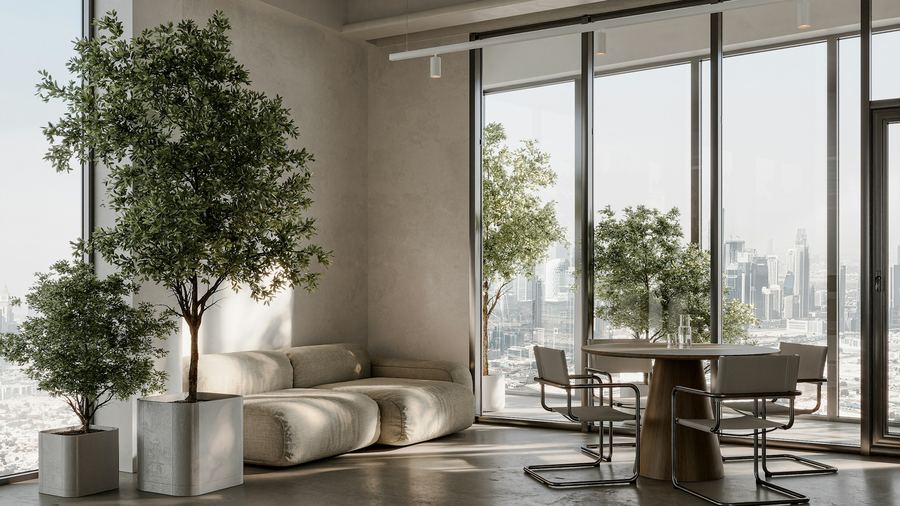
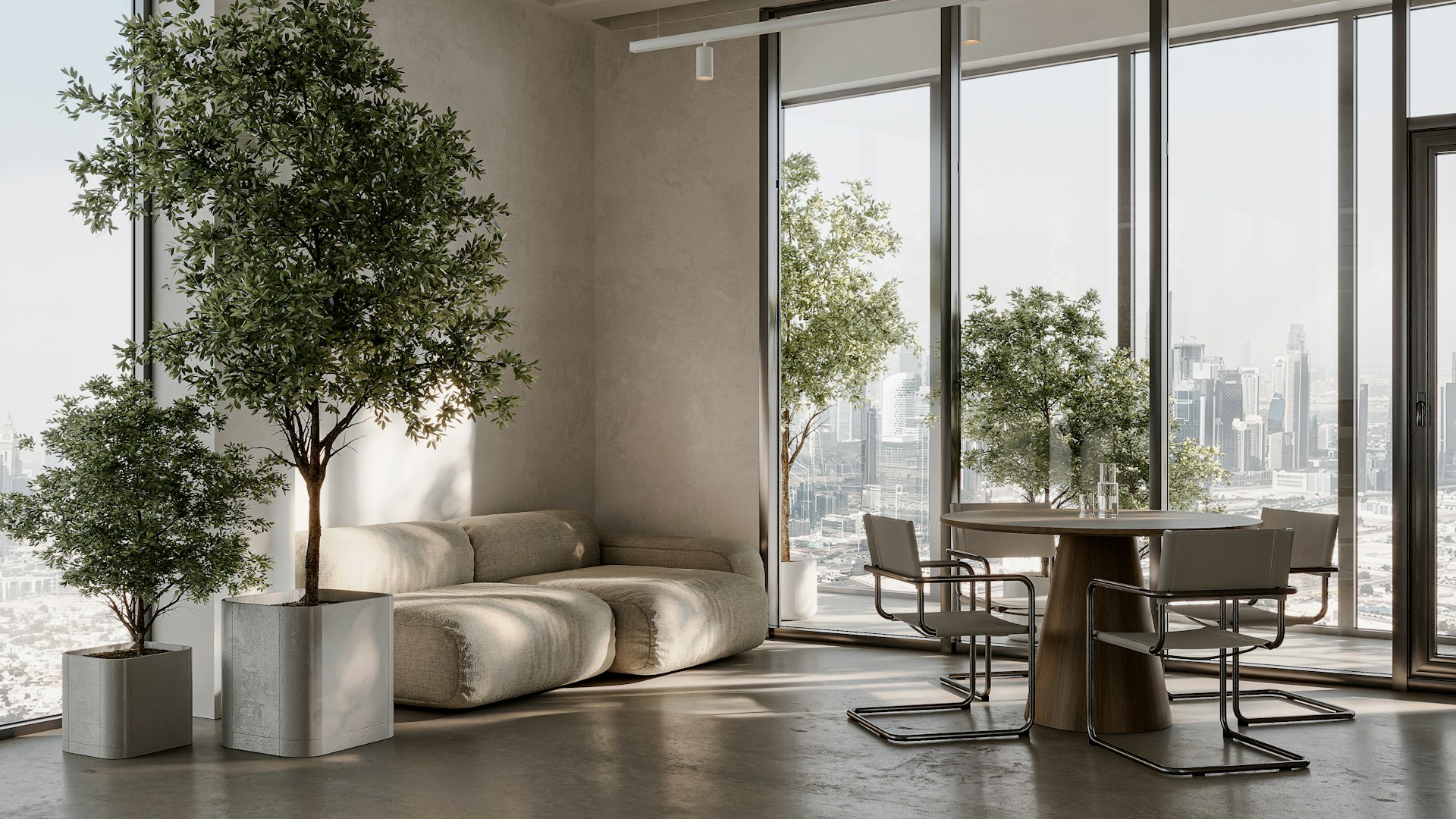
Minimal Room With Skyline
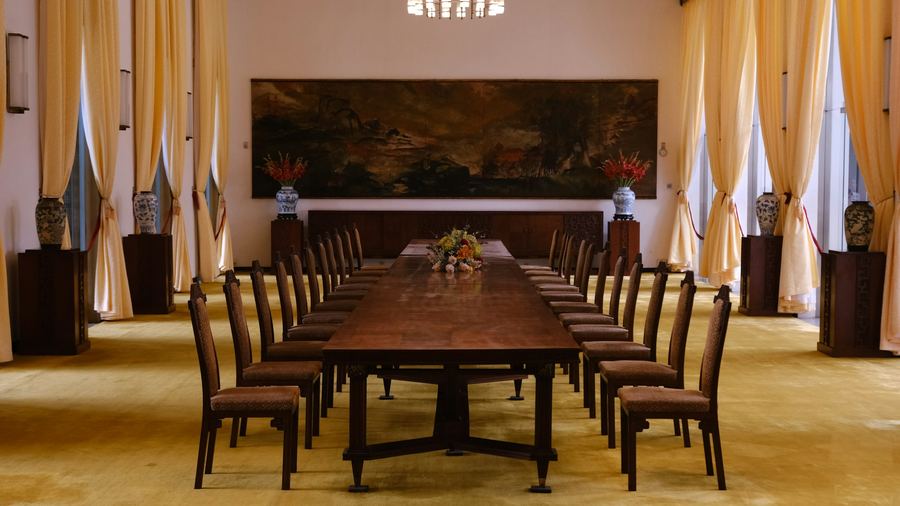
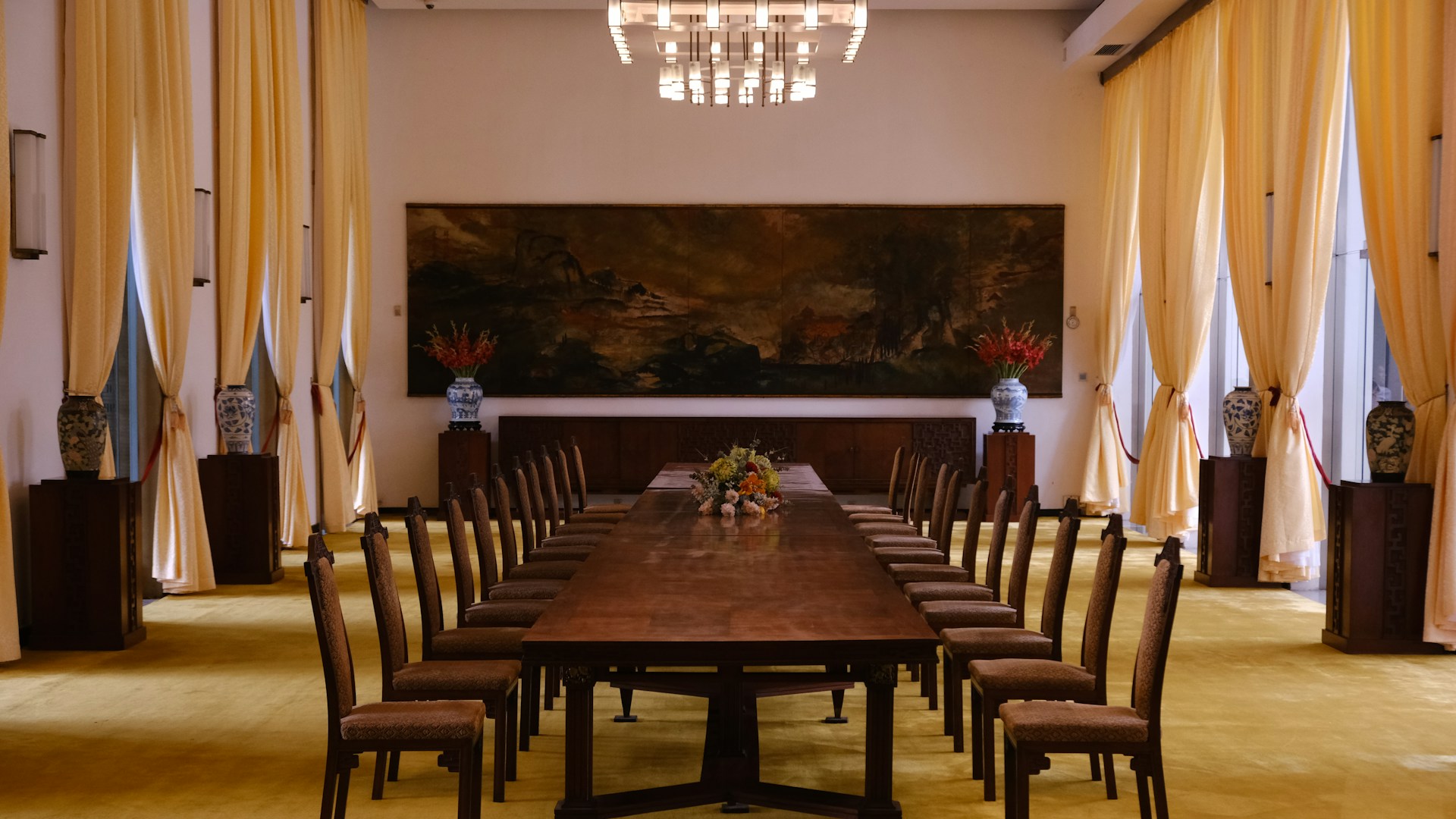
Grand Boardroom
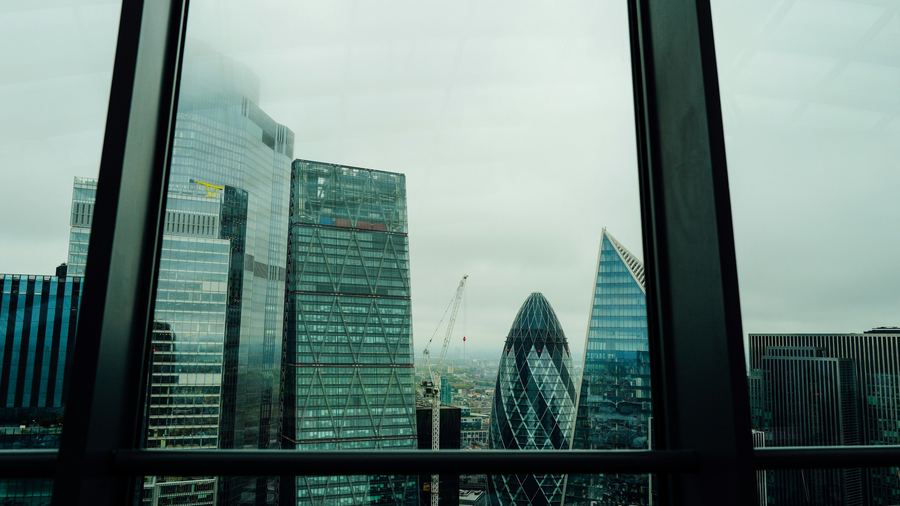
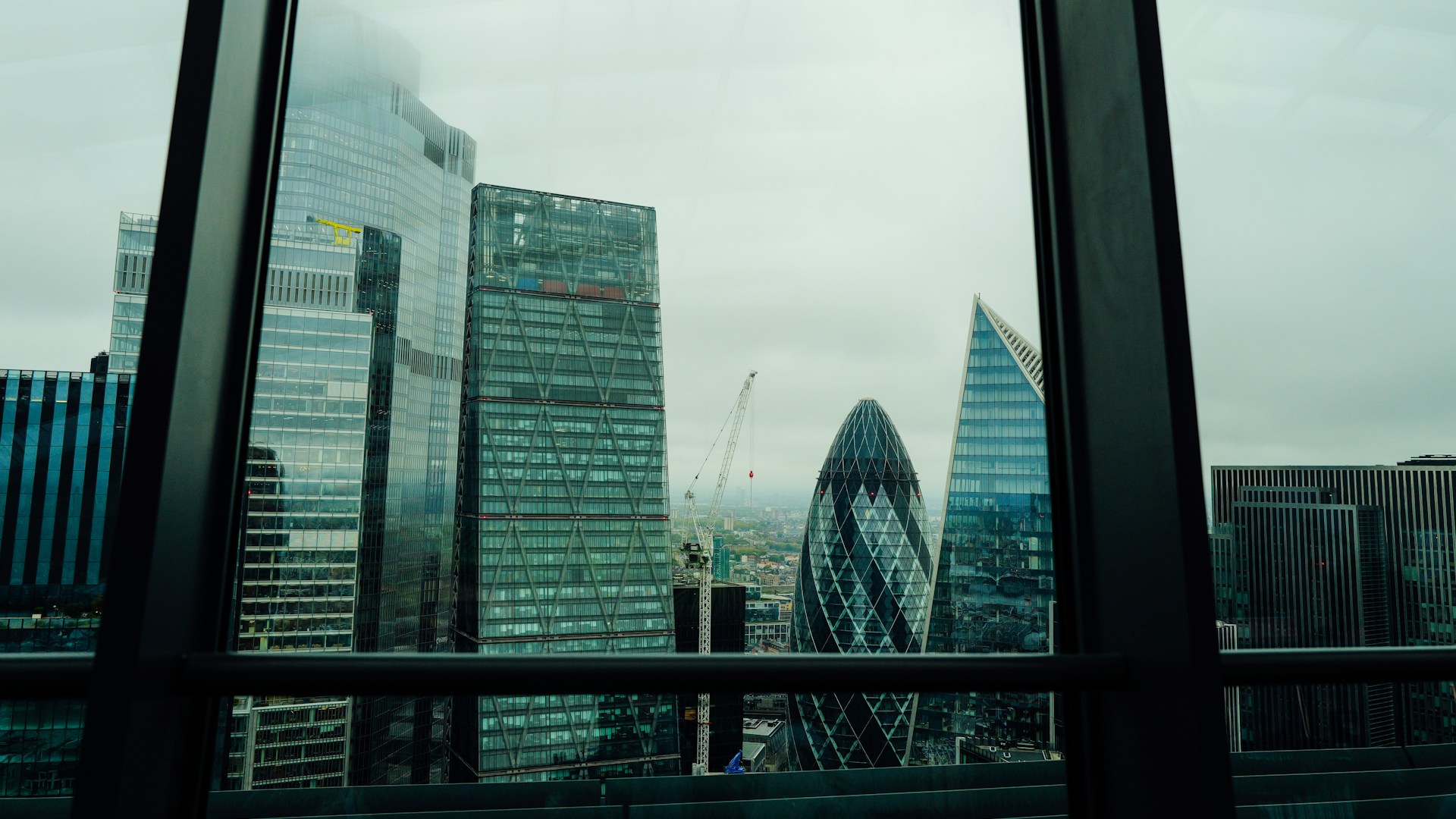
Skyline Through The Glass
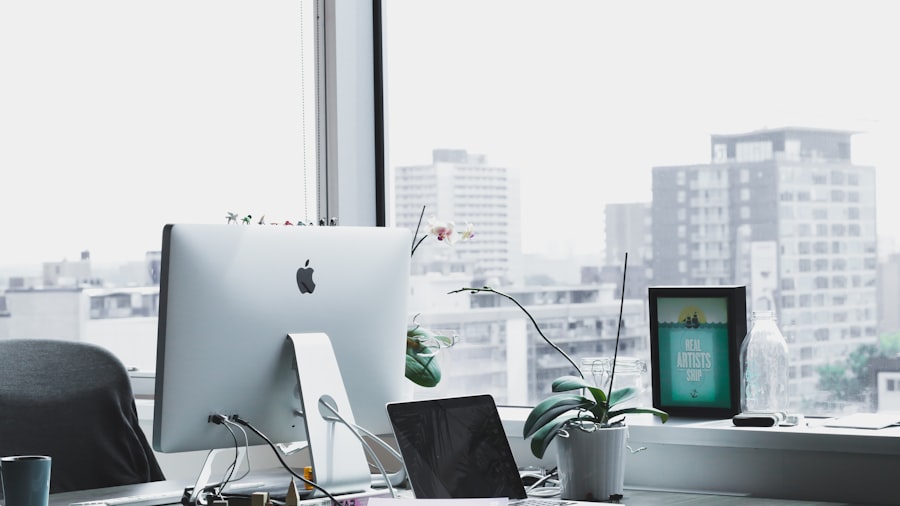
Sunlit Desk & City View
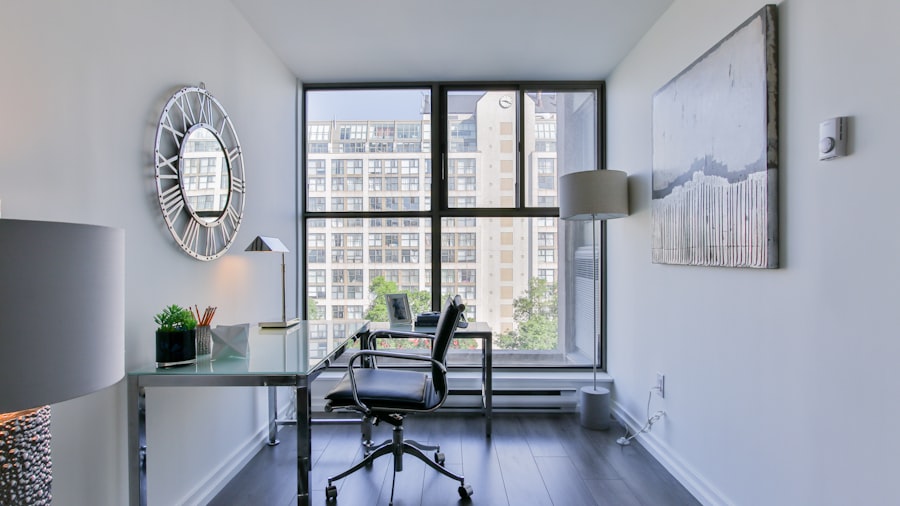
White Corner Office
Office Lounge and Reception Zoom Backgrounds
Softer than a desk, more considered than a living room. These say ‘we have an office and someone designed it’ without parking you at the head of a conference table.
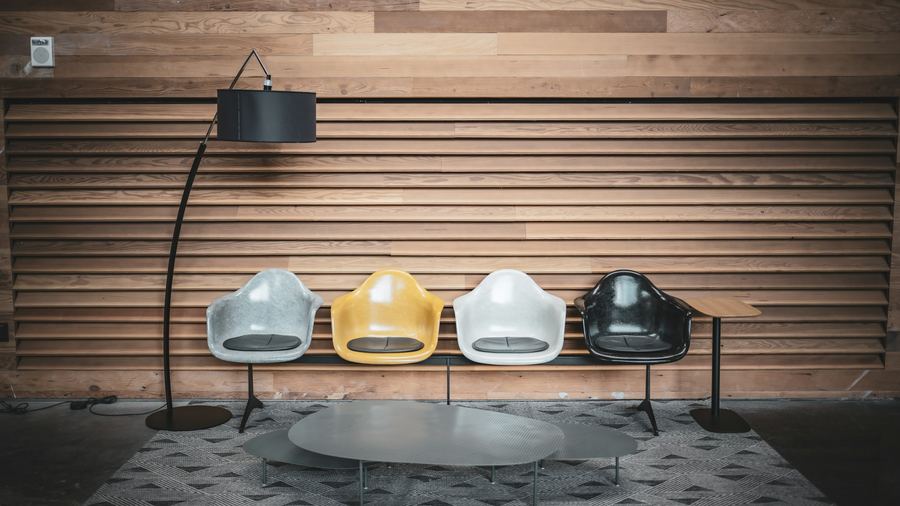
Mid-Century Slat Wall
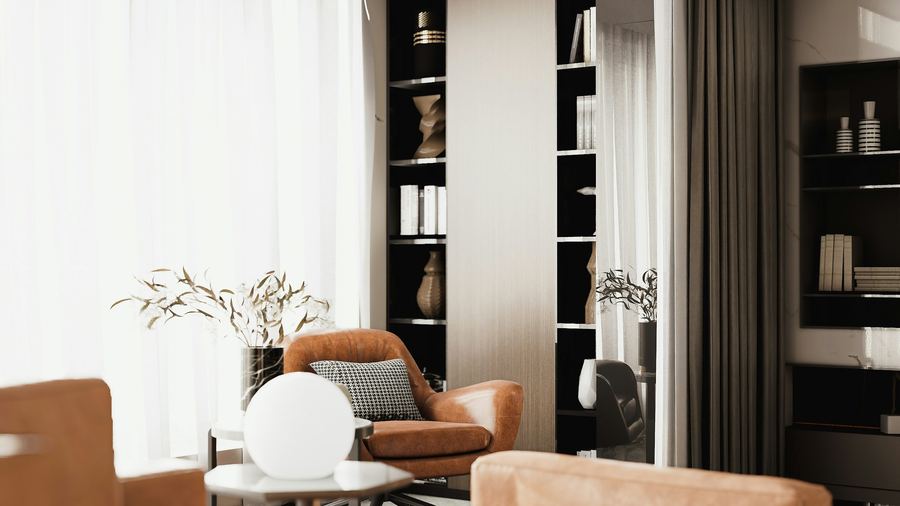
Warm Minimal Sitting Room
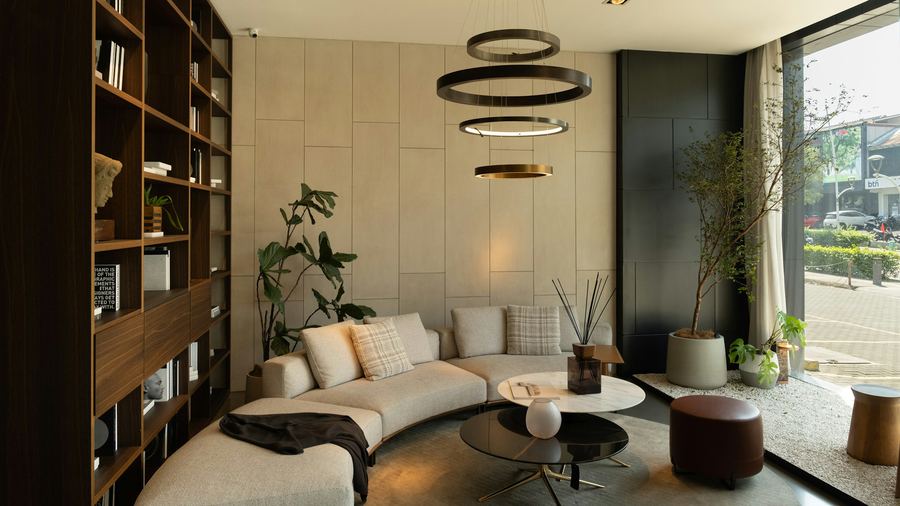
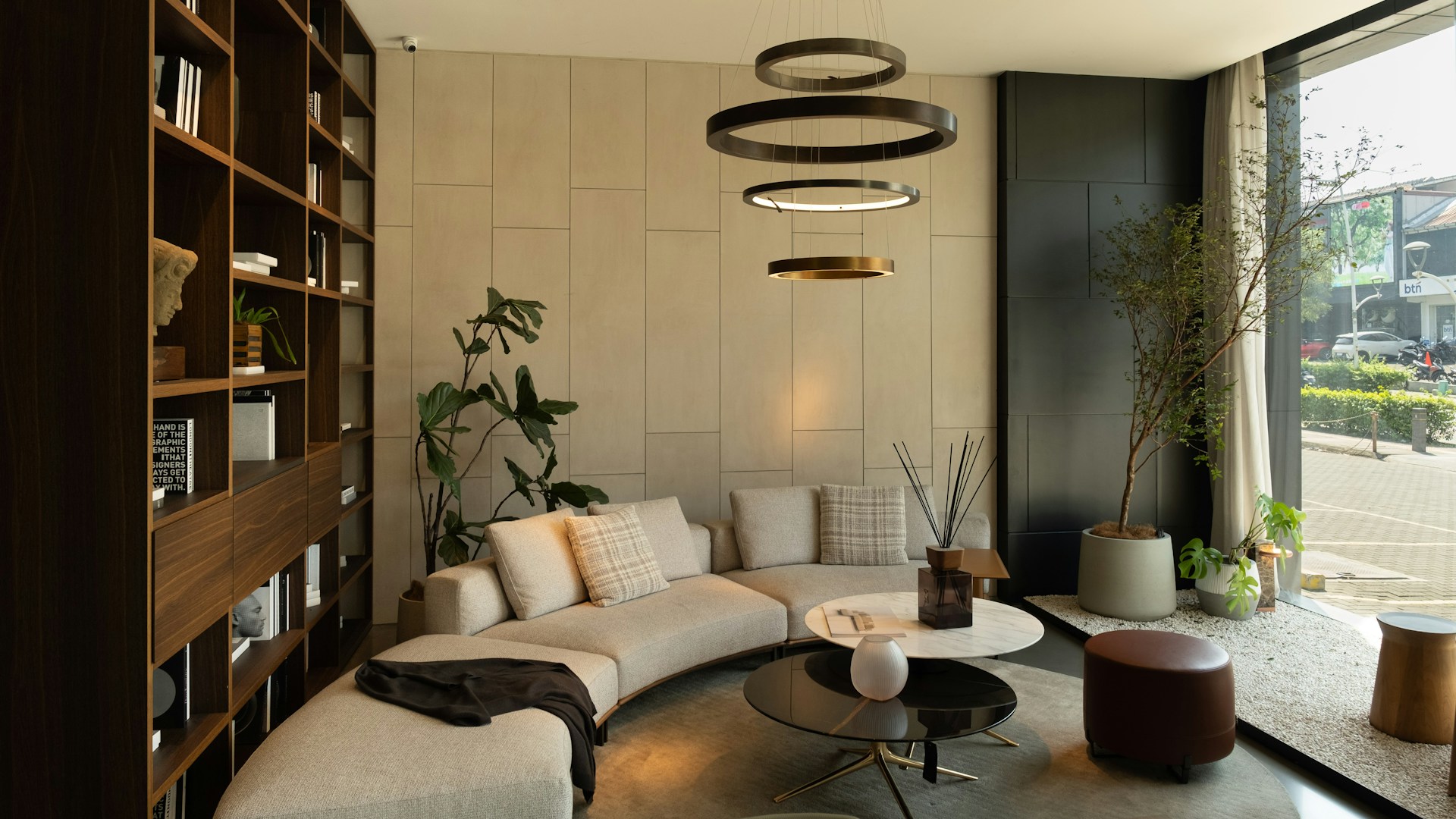
Curved-Sofa Lounge
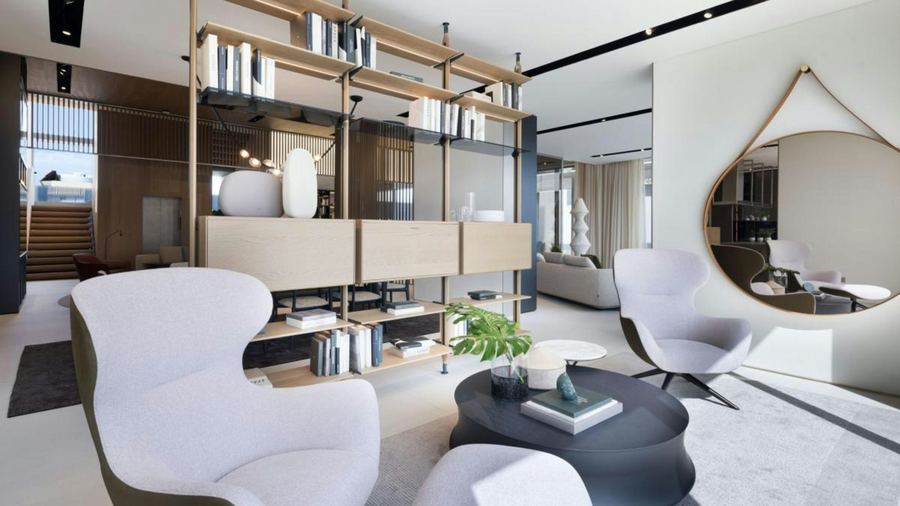
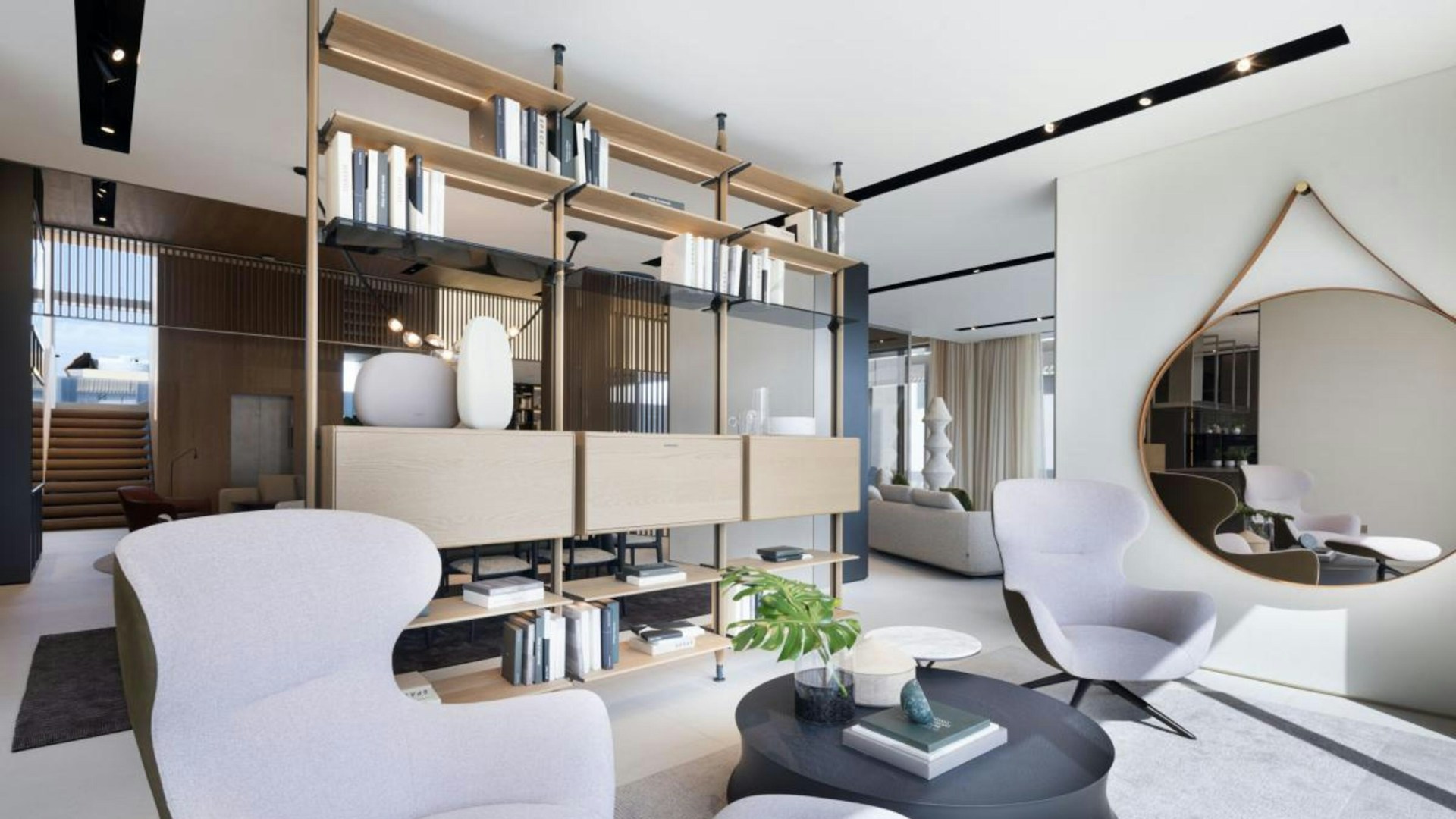
Sculptural-Chair Lounge
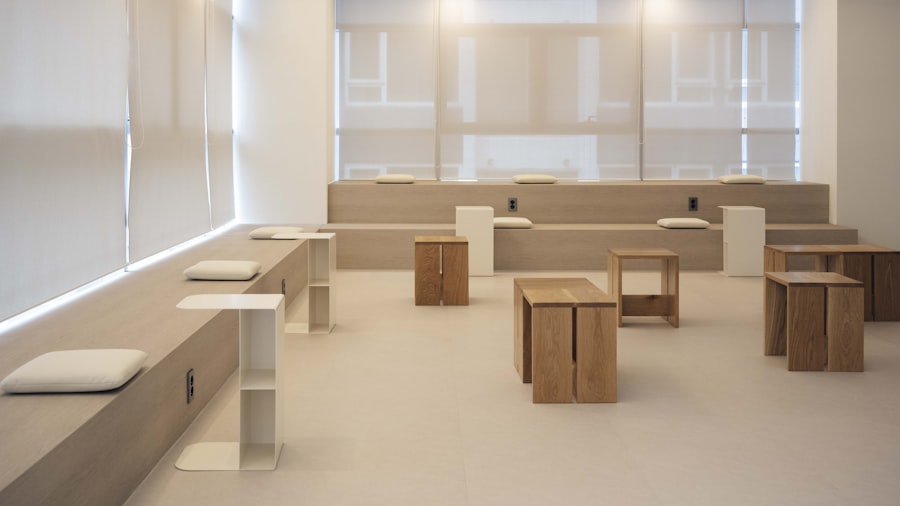
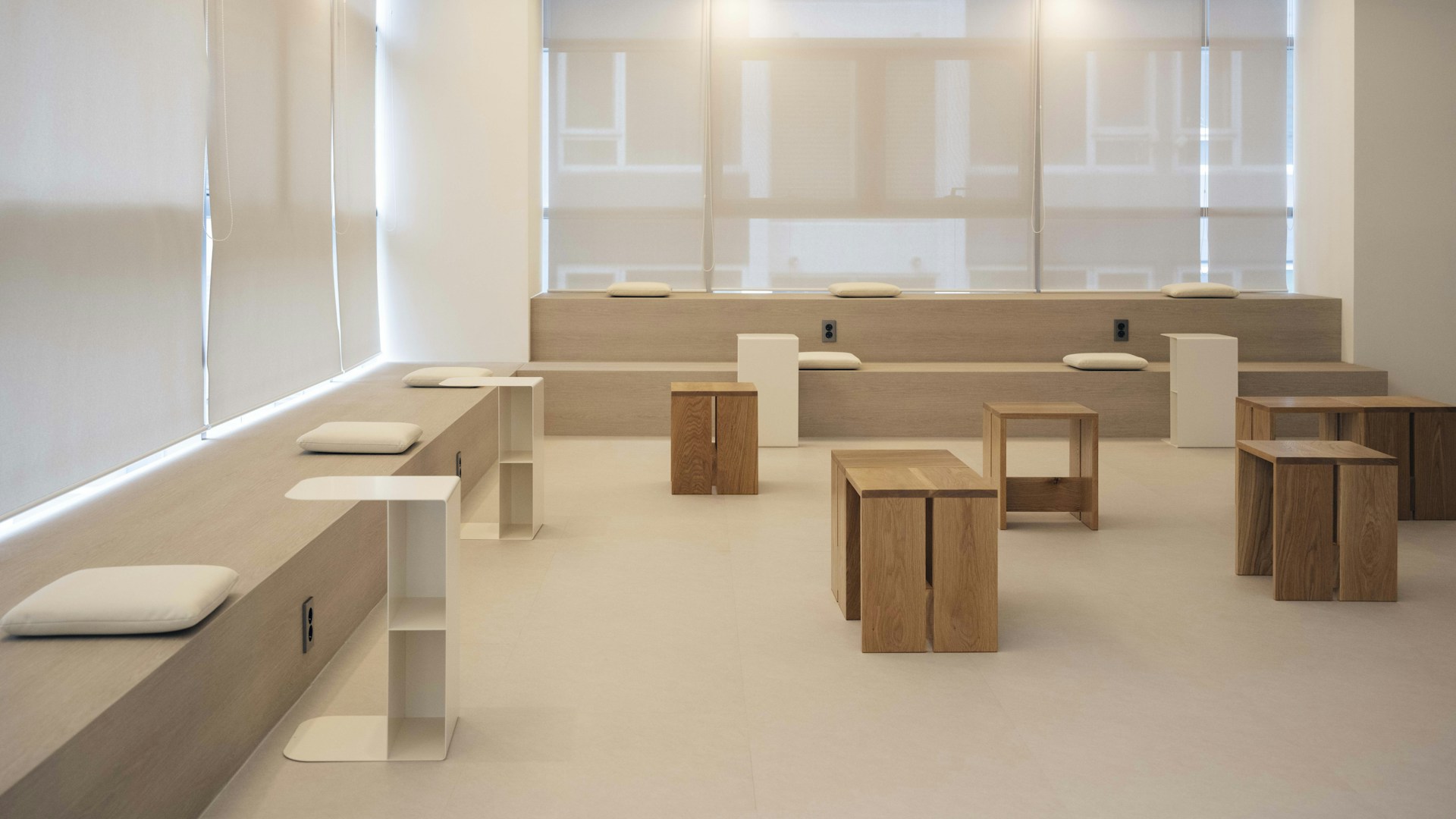
Minimal Seating Lounge
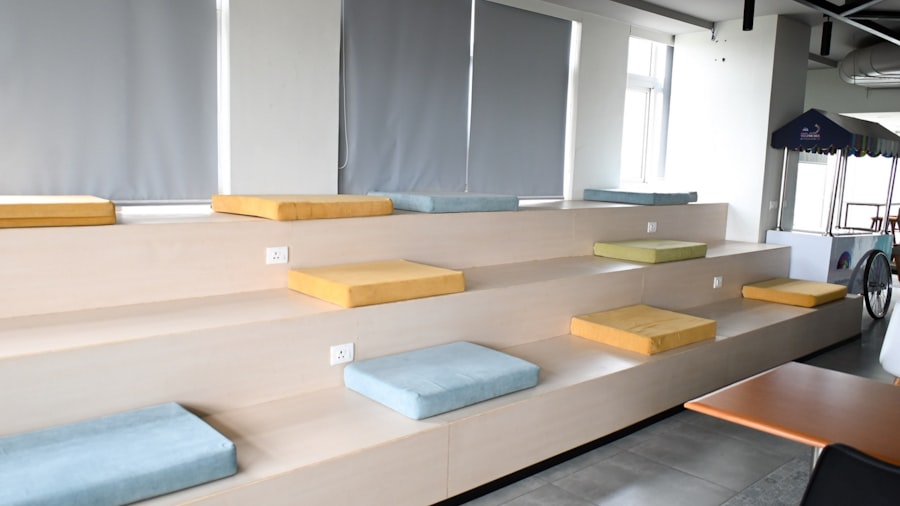
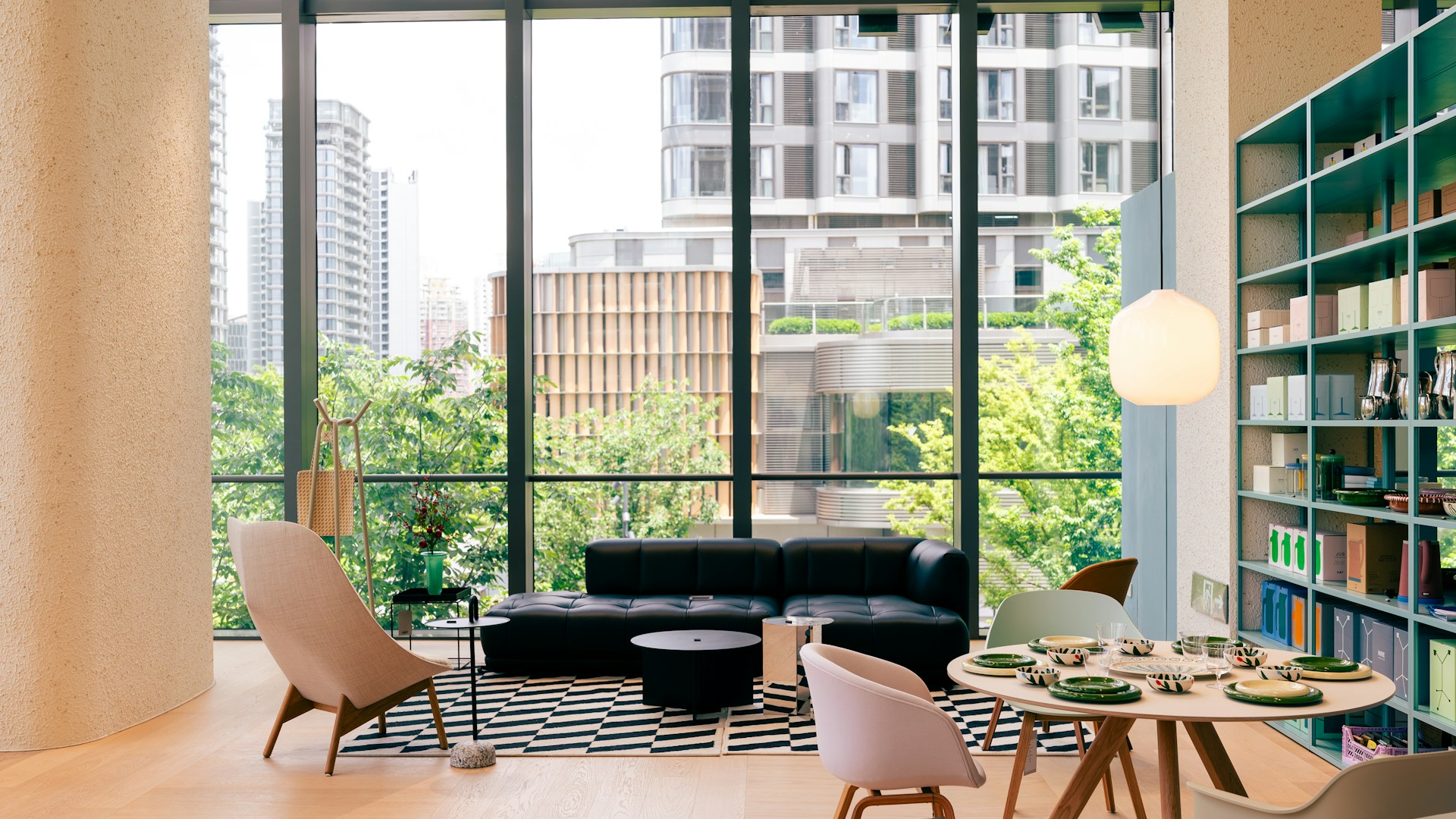
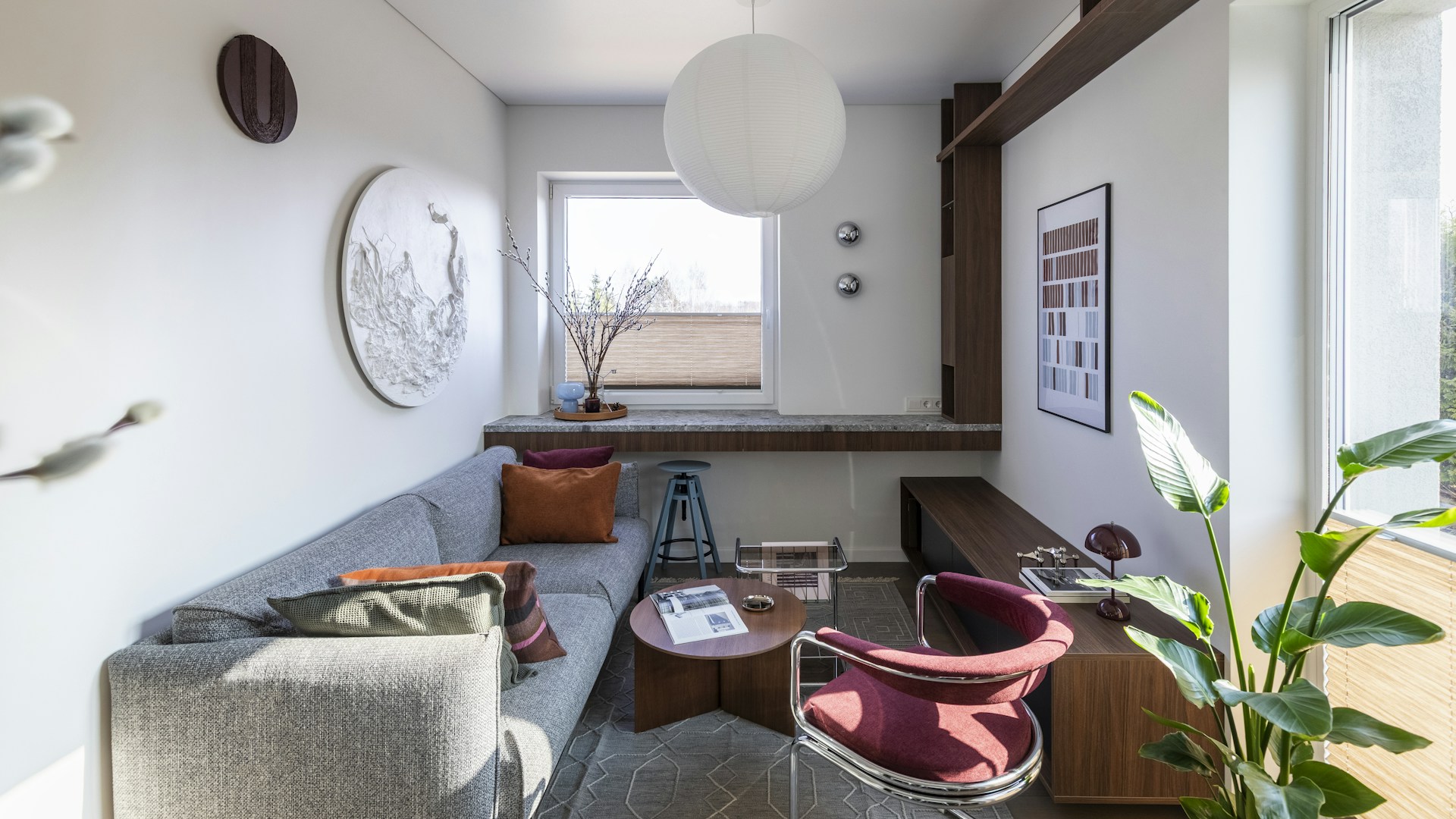
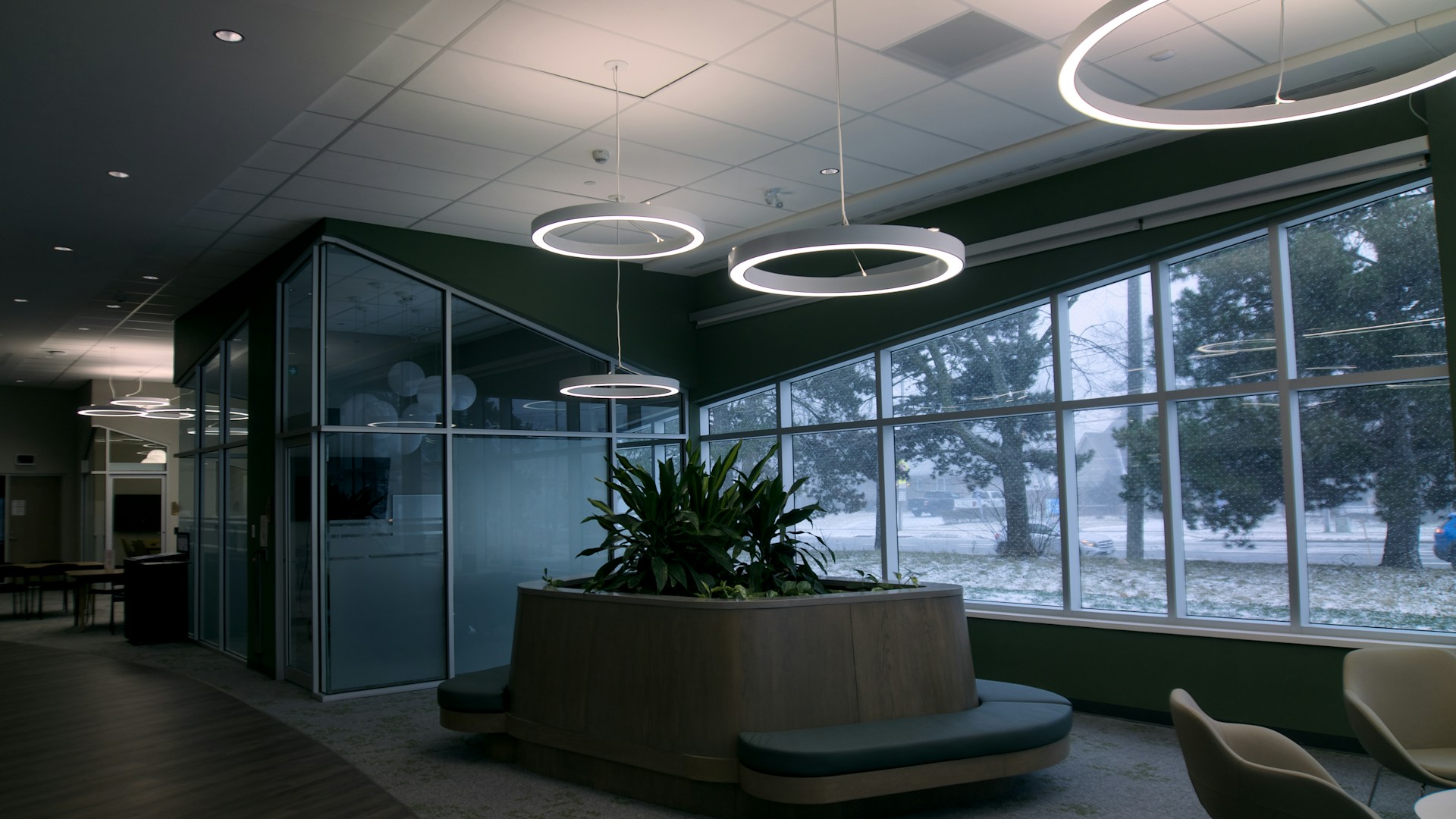
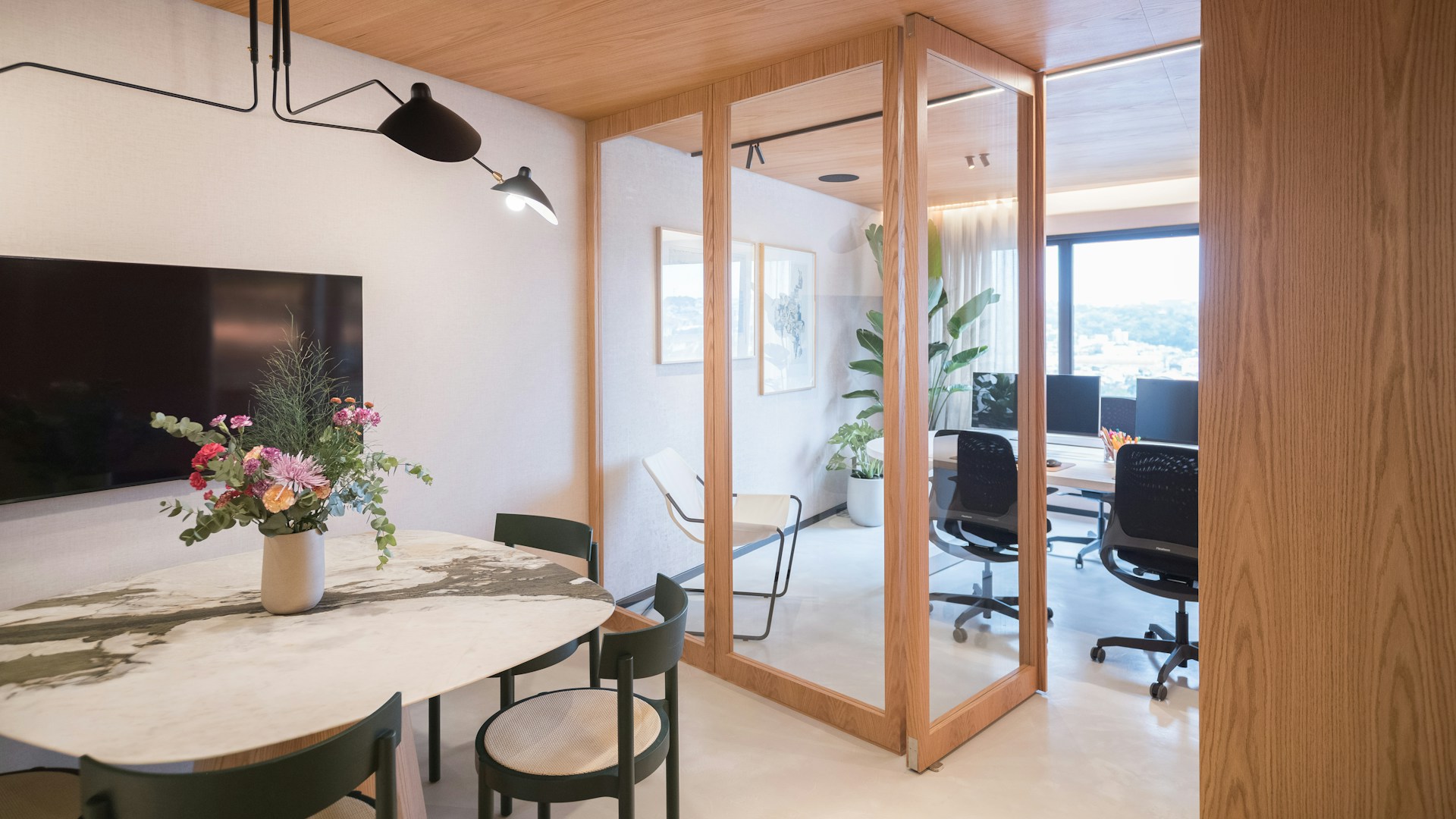
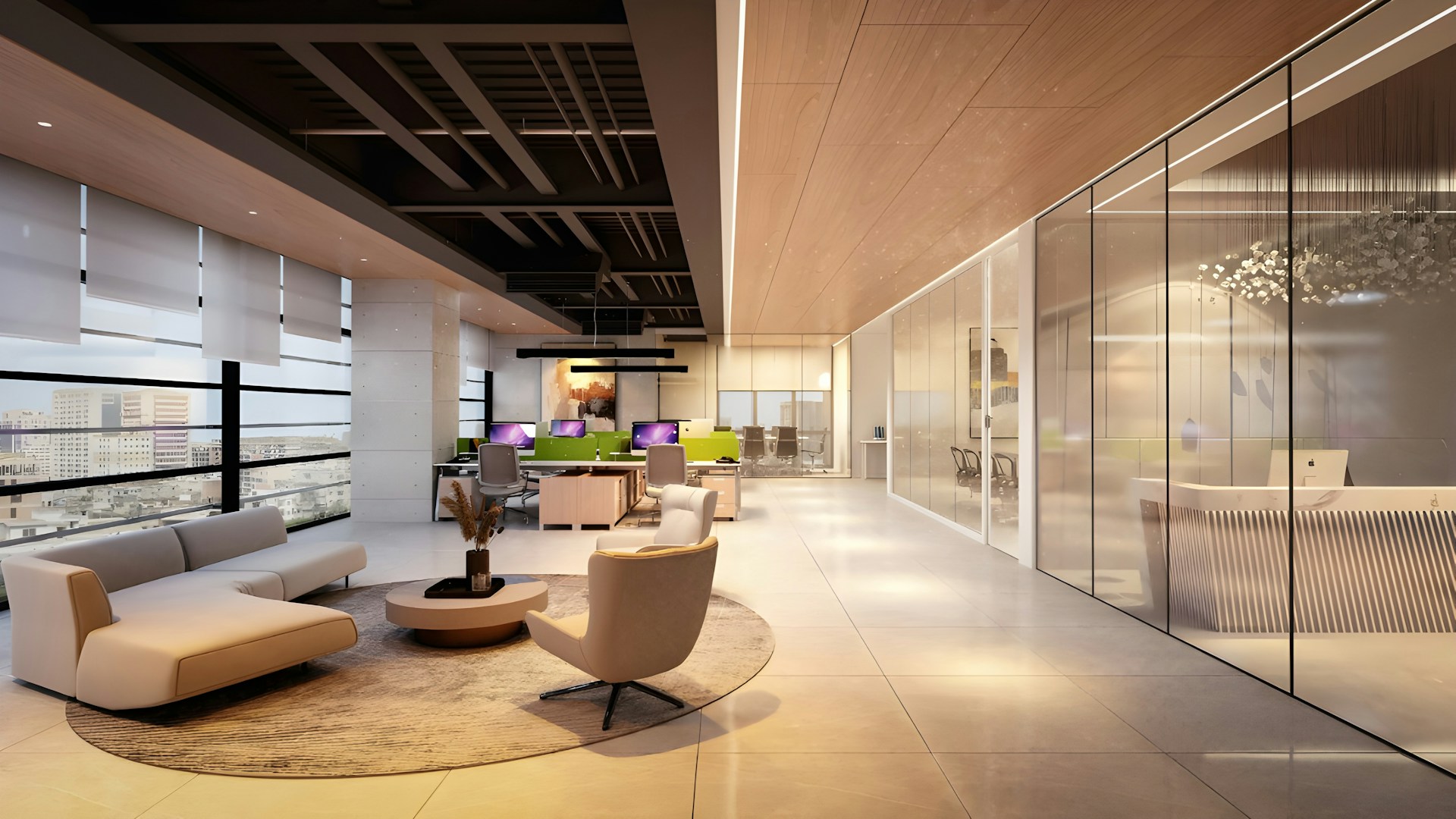
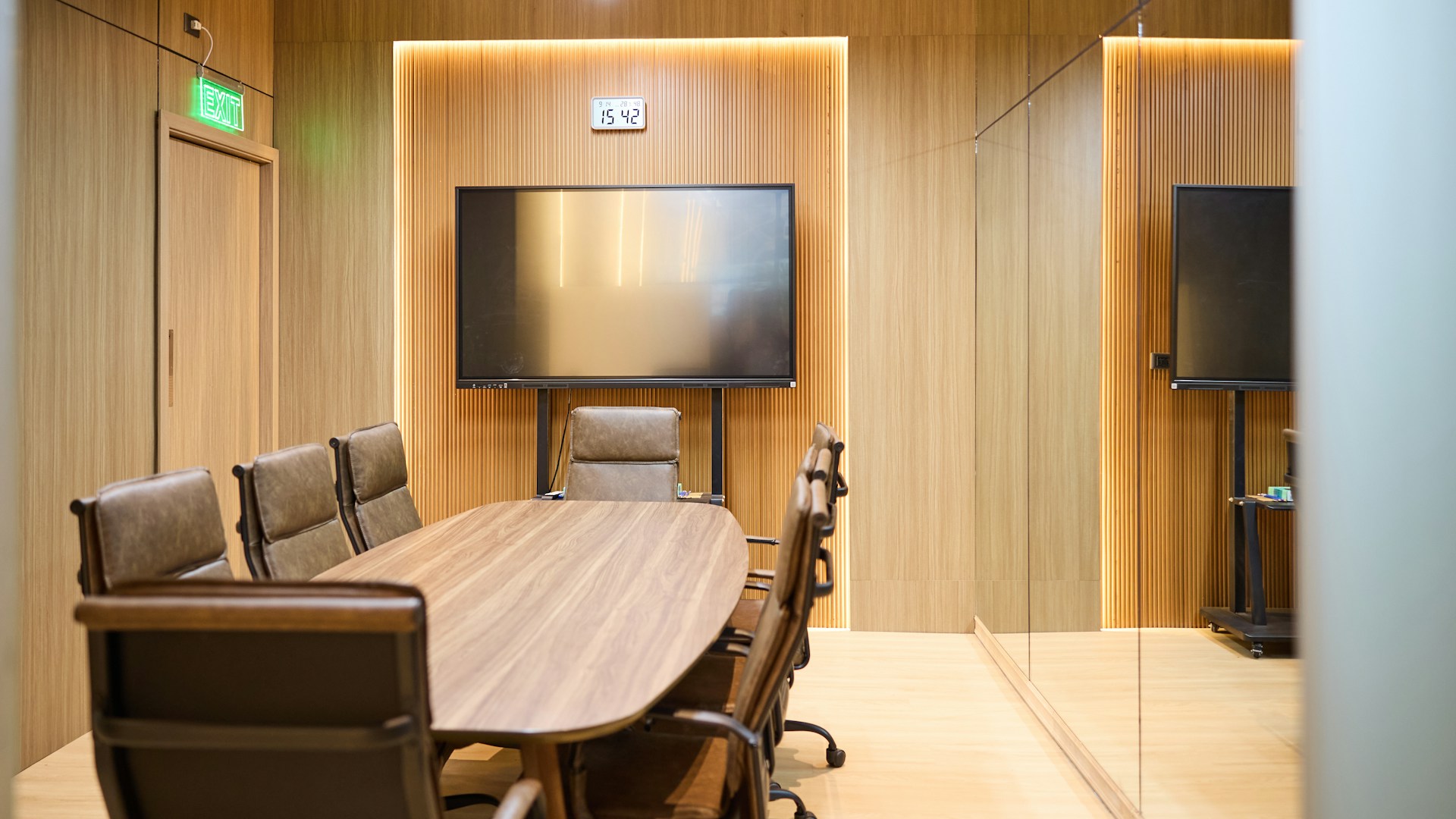
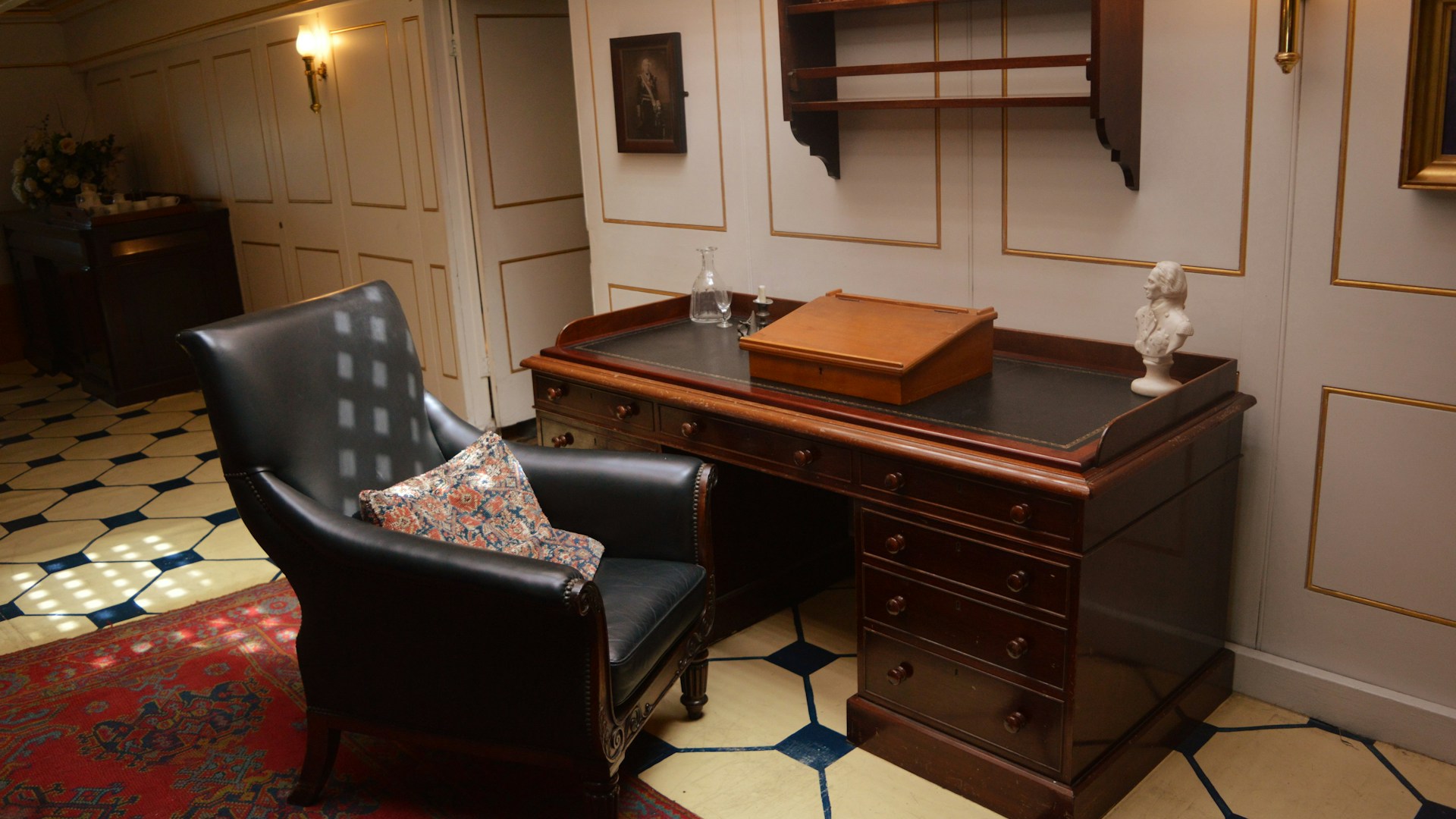
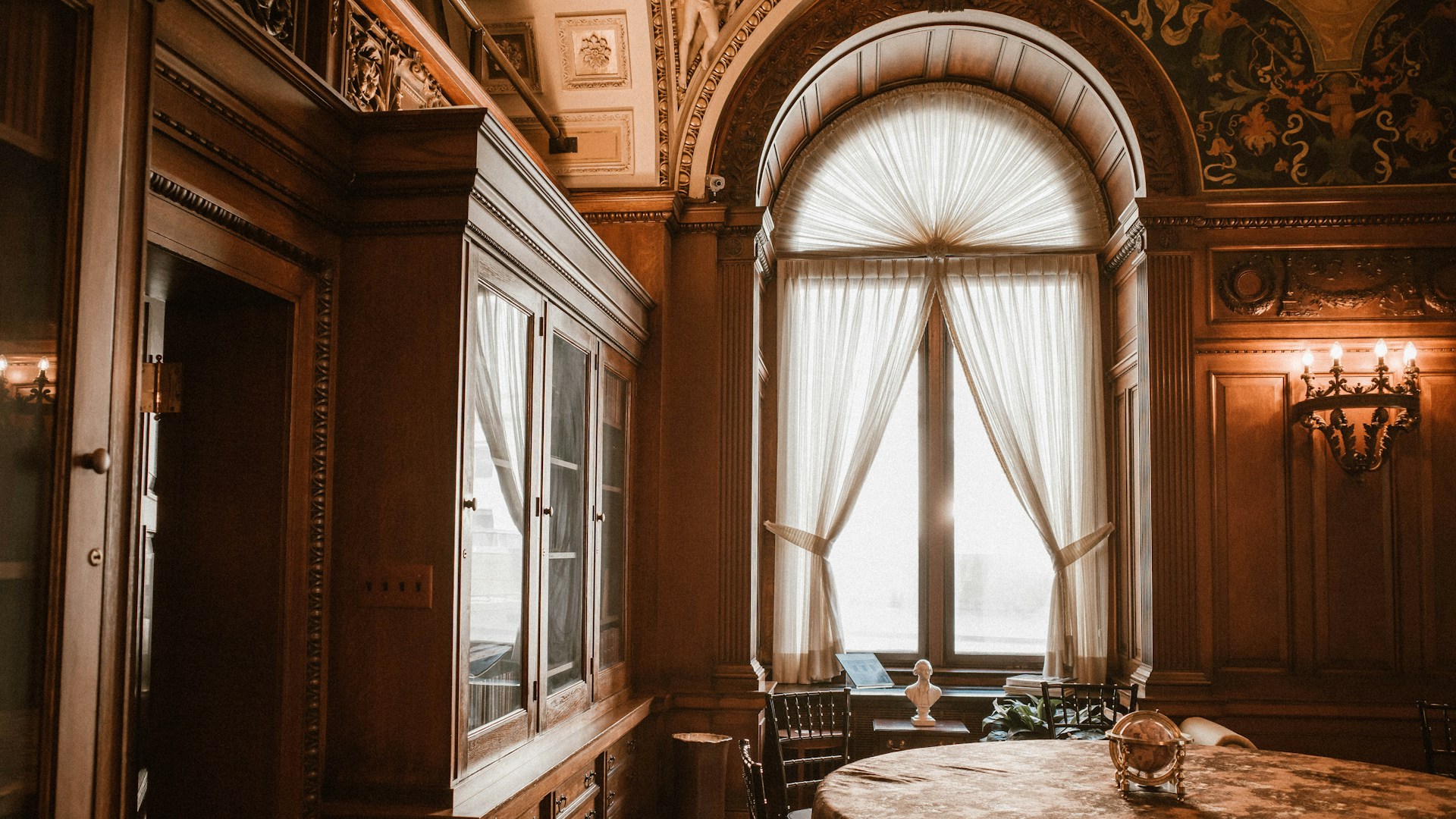
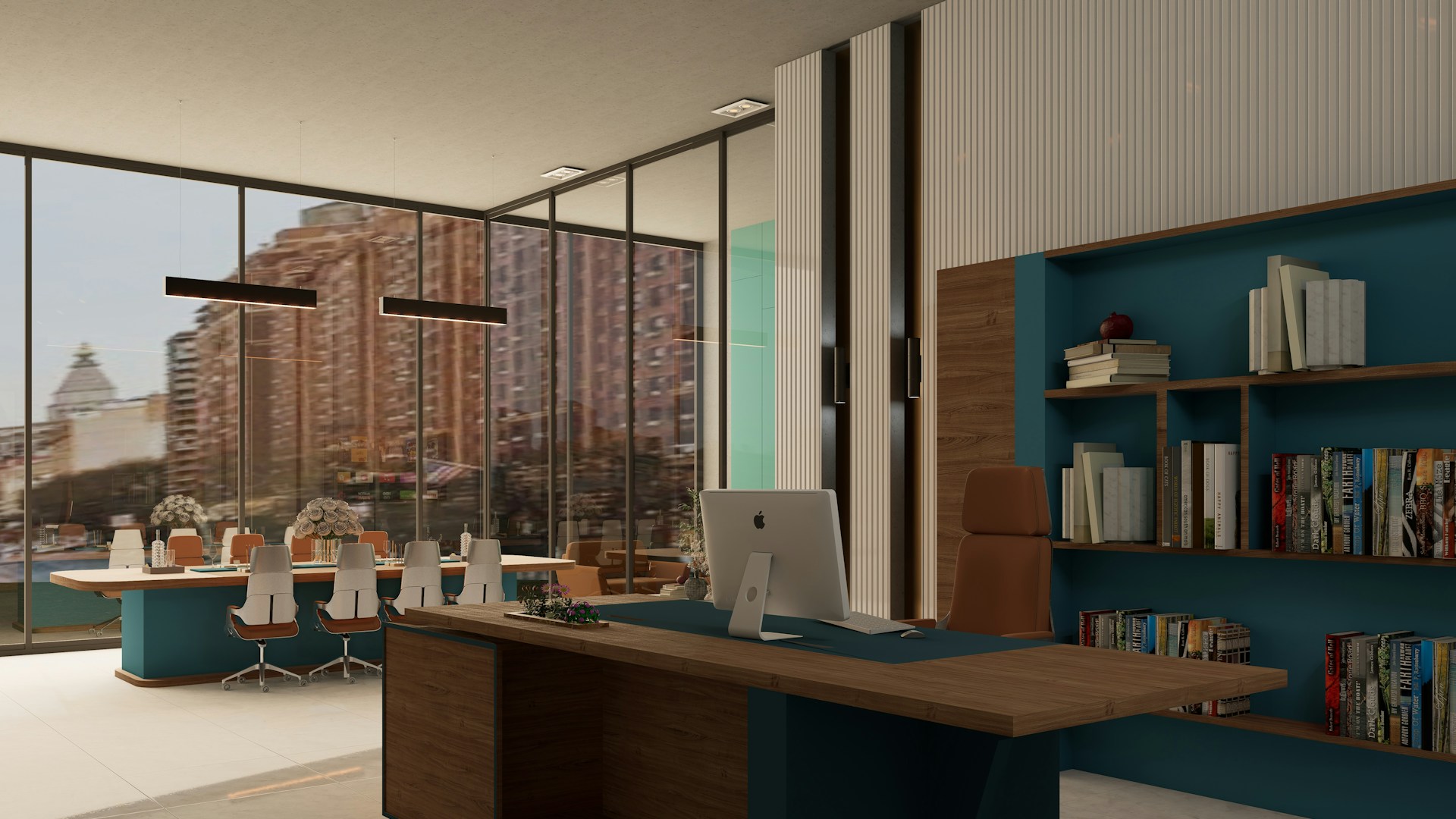
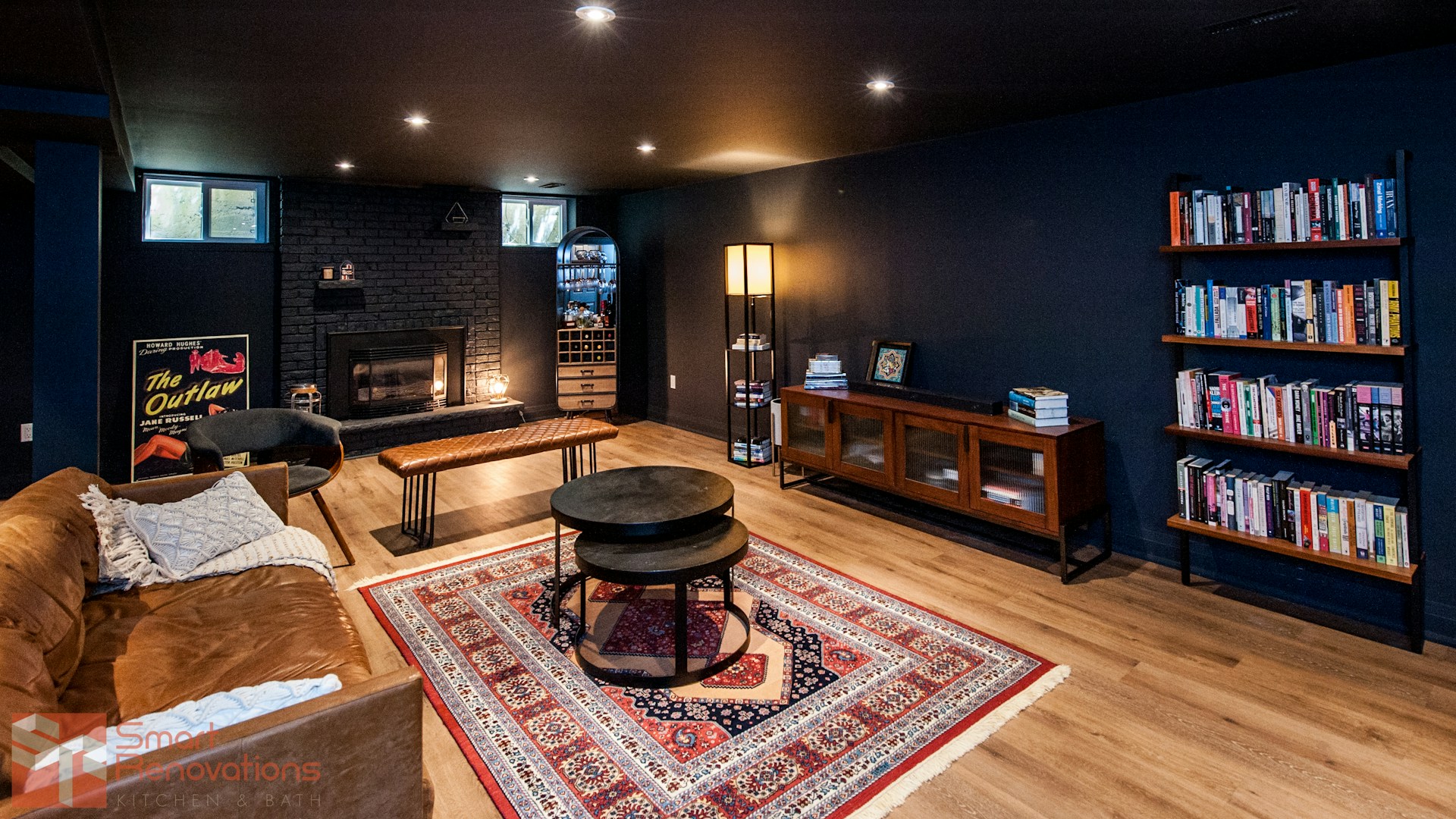
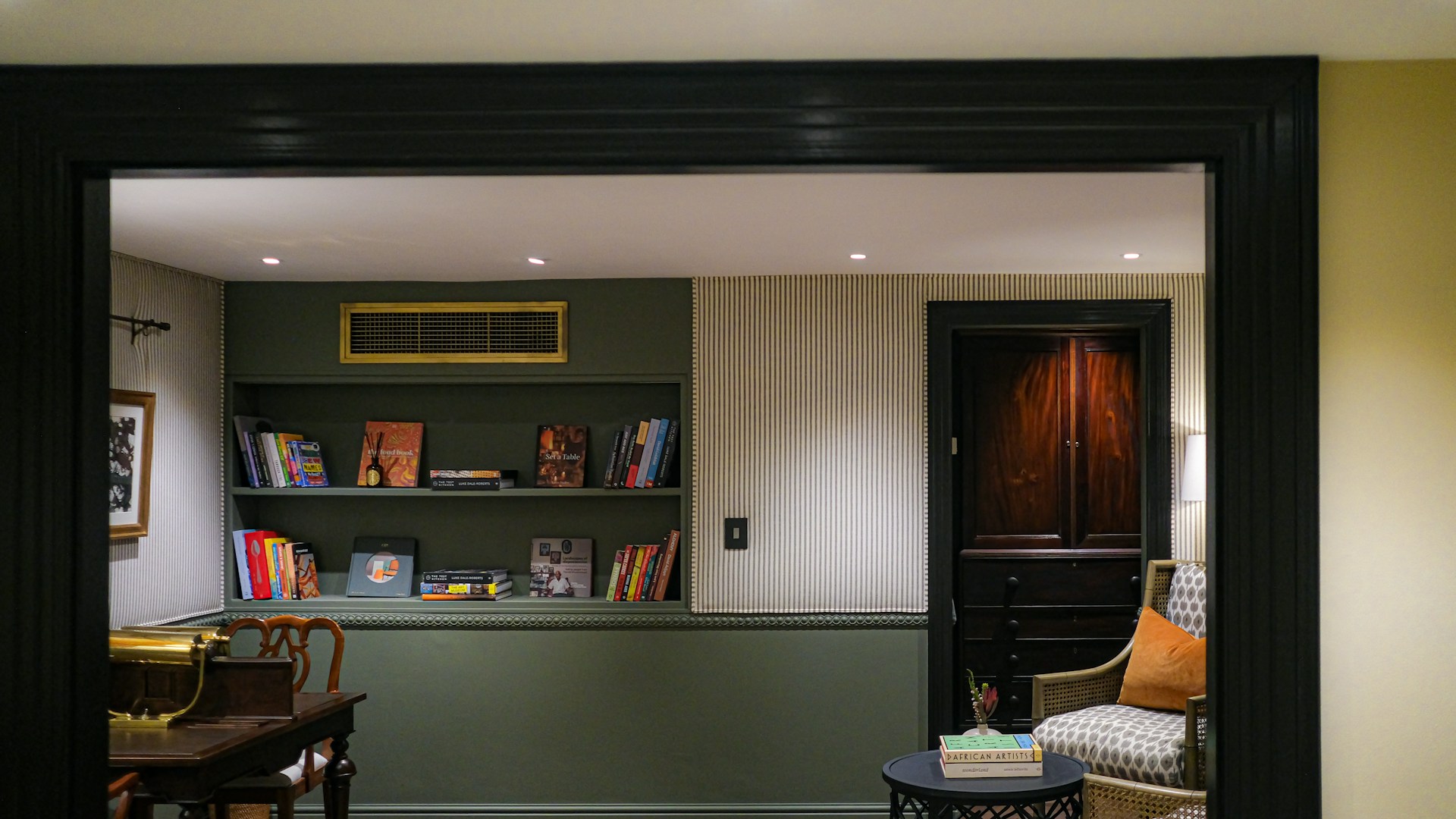
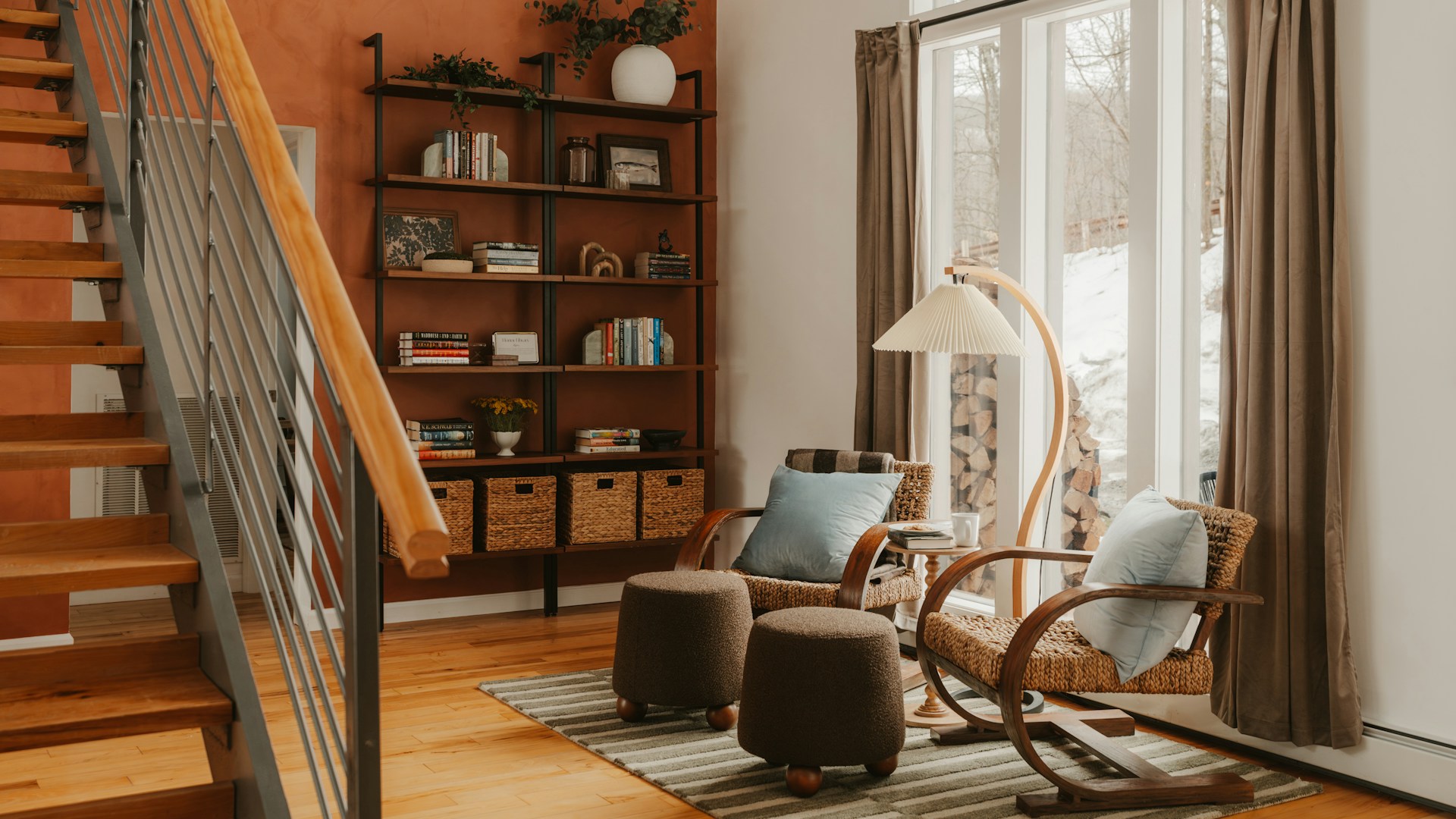
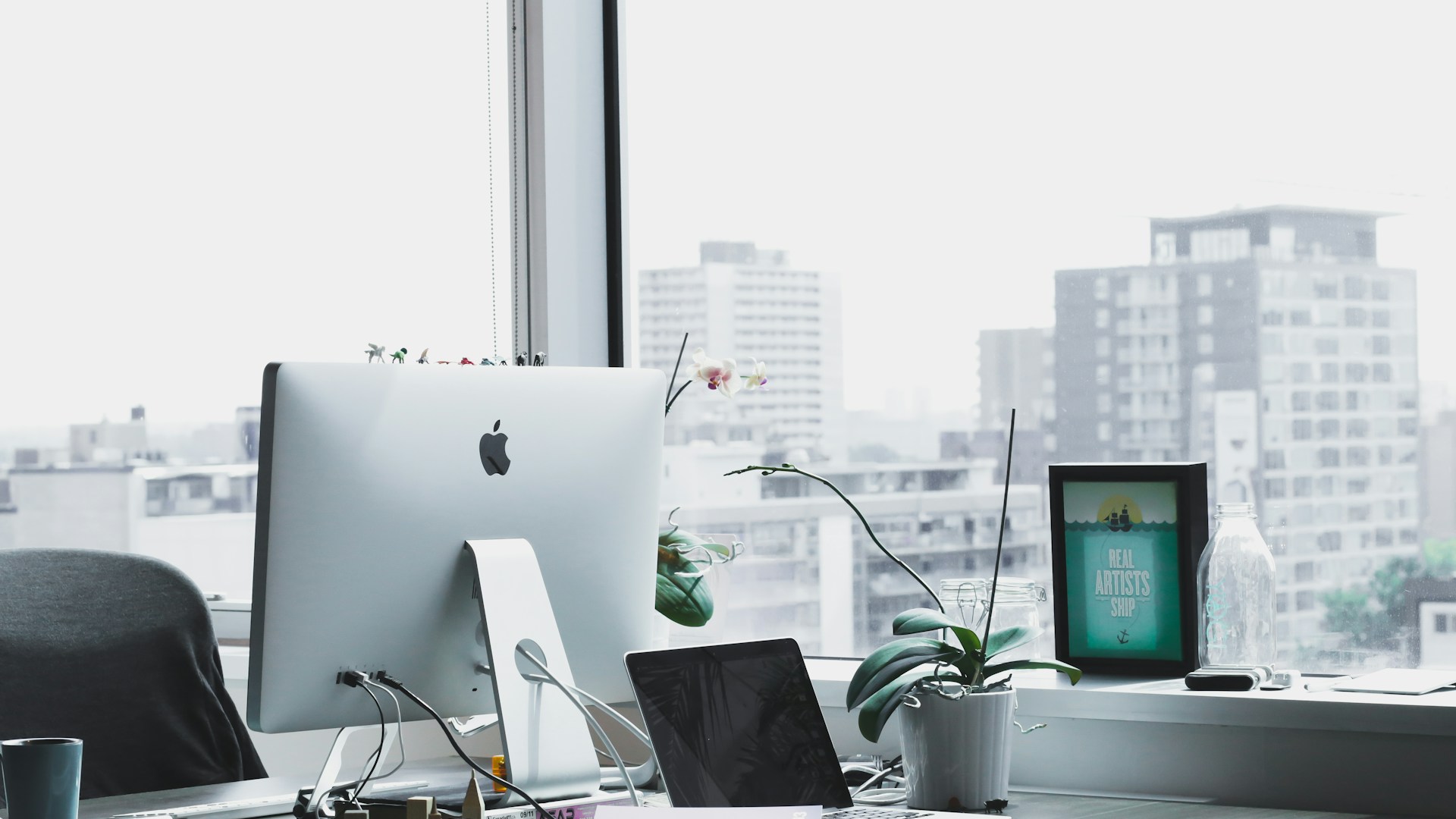
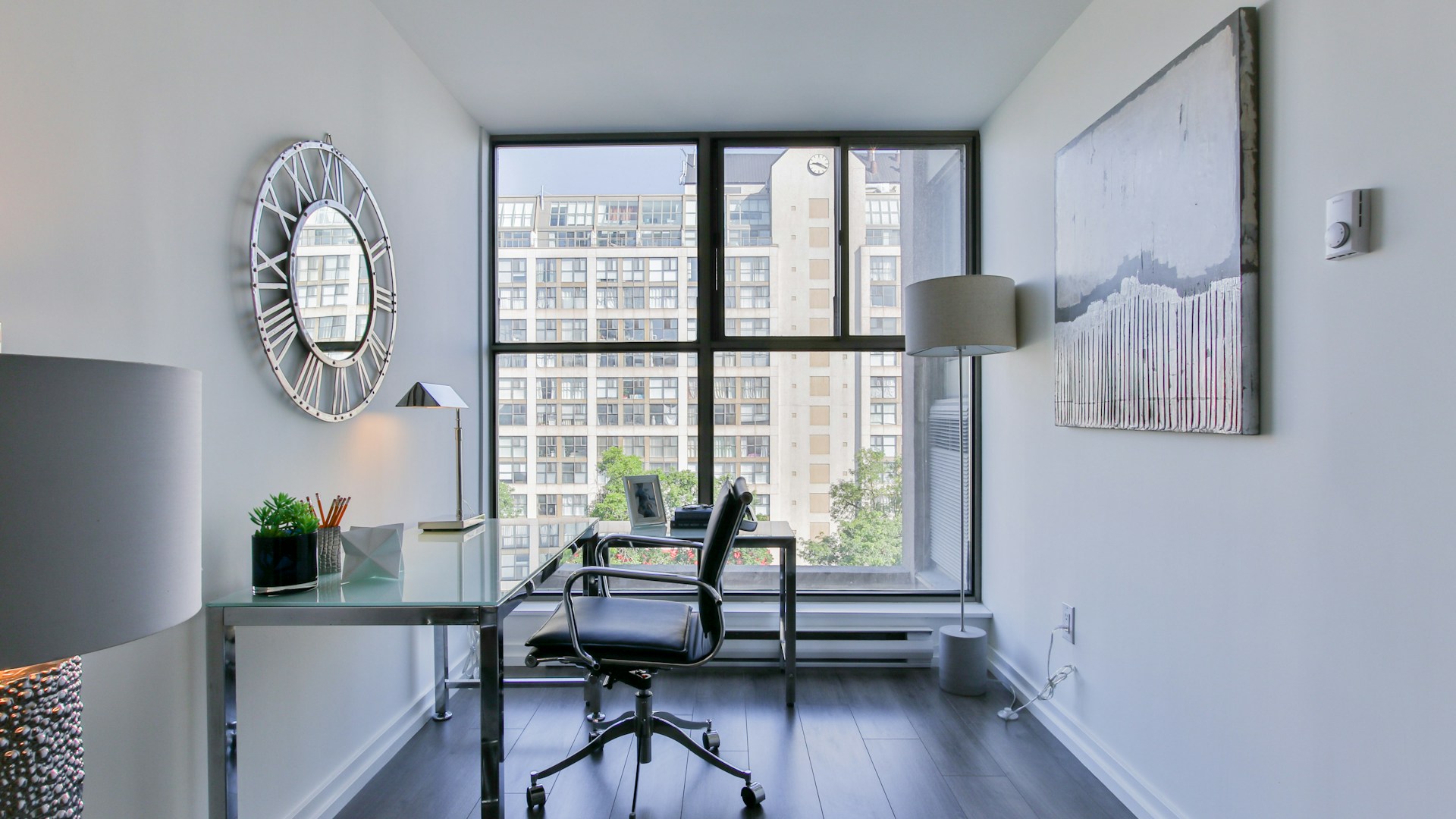
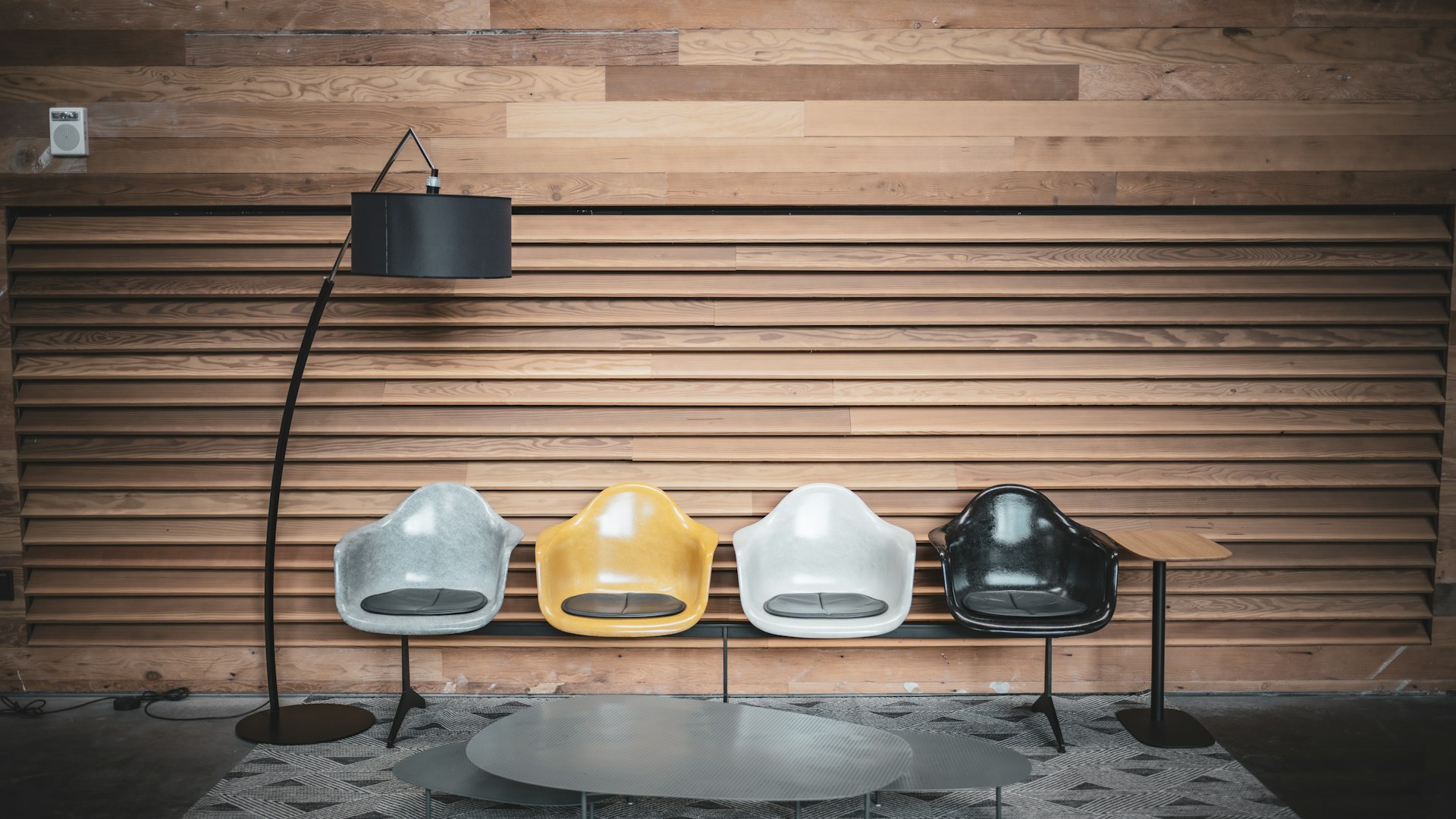
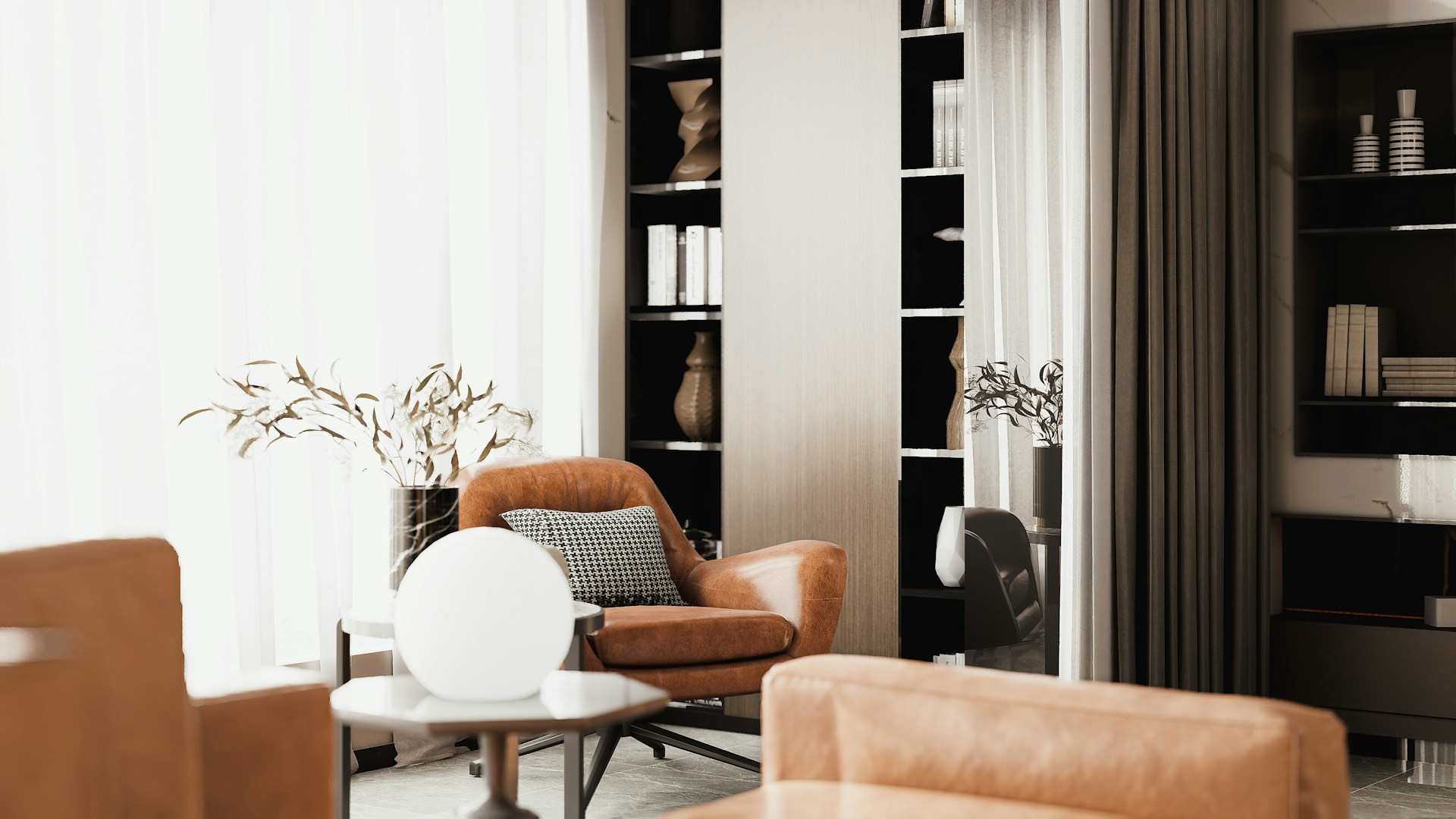
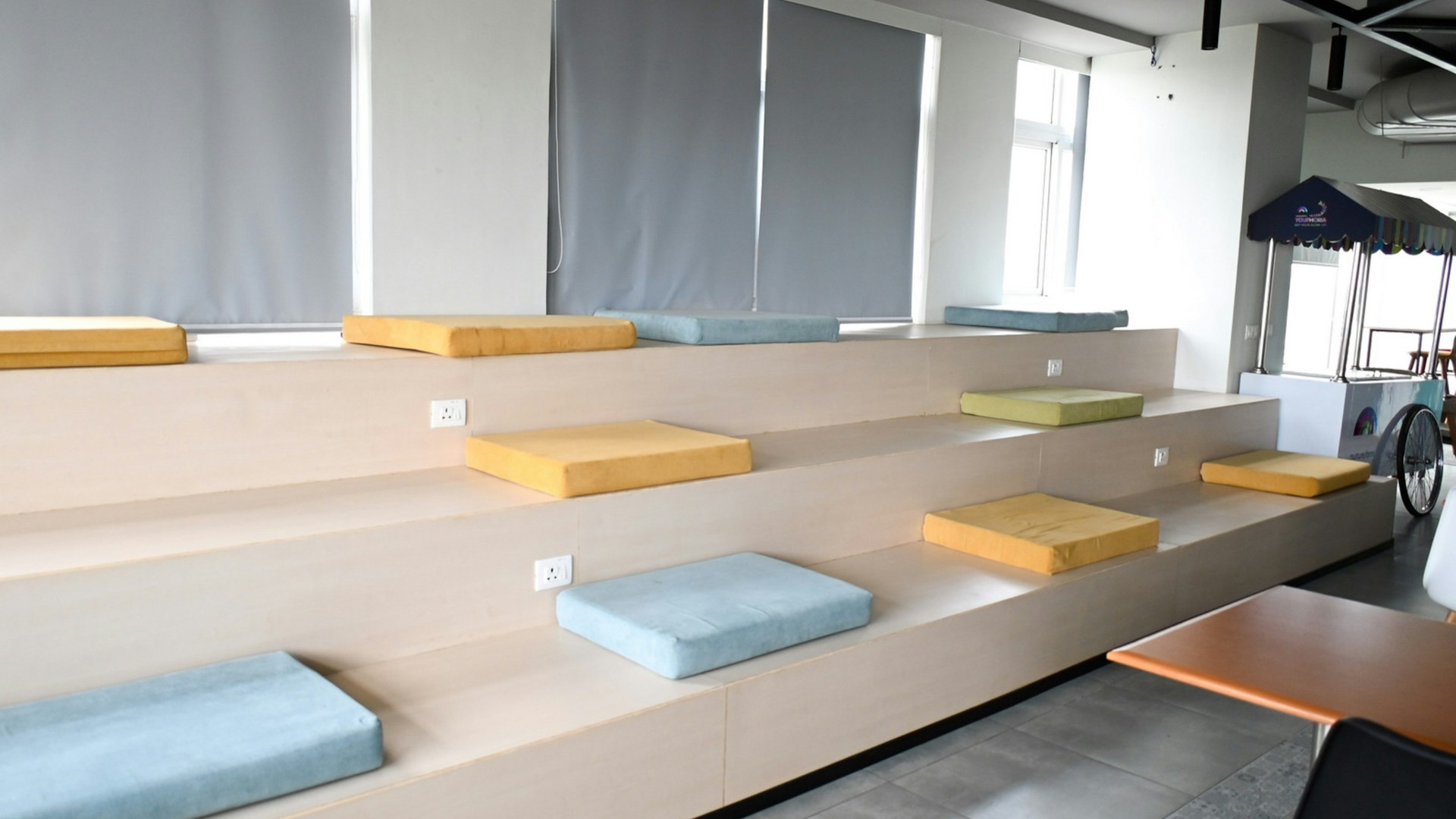
Tiered Bench Lounge
A Few Things Worth Knowing
The most common giveaway isn’t resolution, it’s the light. If your window is on the left and the background’s window is on the right, people can tell something is off even when they can’t name it, so match the direction. Busy backgrounds don’t help either. Anything with a lot of detail right behind your head is harder for Zoom to cut around, which is why the flat, simple options here (the slat wall, the reading room, the gallery wall) hold up best on a laptop camera. And don’t go hunting for a bigger file. Each of these is 1920×1080 and a few hundred kilobytes, which is Zoom’s sweet spot; a 4K version won’t look any sharper on a call and usually trips the 5MB limit anyway.
Every one of these is free to use, commercially too, with no attribution, sign-up, or watermark. If you want a particular look, I keep a set of professional backgrounds with clean walls and gradients.